19
Macro Key Manager
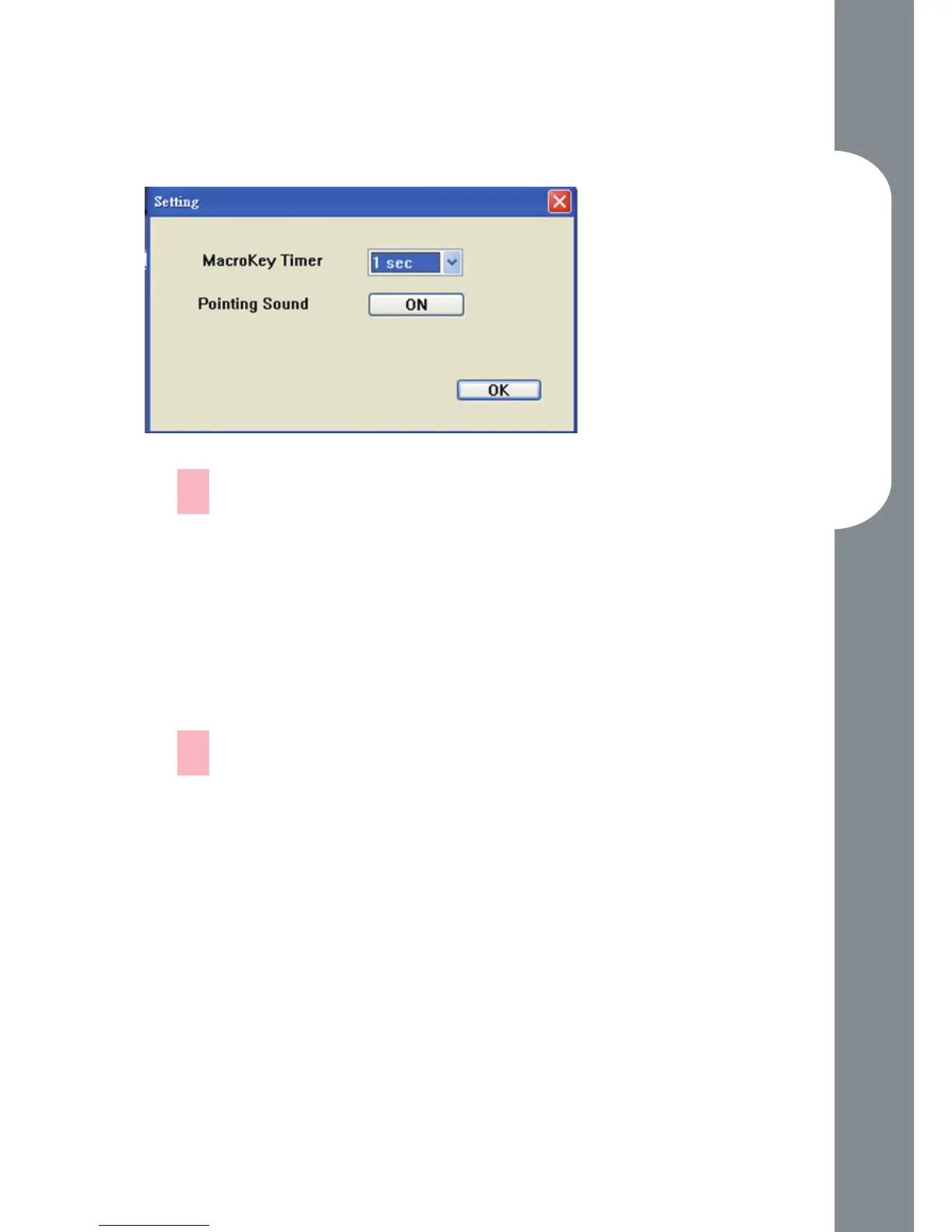
Setting
Macro Key Time
You can set timer for how long macro key function
will work. There are four different choices-- 0, 1,
1.5 and 3 seconds can be your alternatives which
mean that only when you use a pen to point the
macro key area for 0, 1, 1.5, or 3 seconds, the macro
key works.
Pointing Sound:
You can choose to get the pointing sound or not
while the pen tip is pointing on the tablet.
—
—



 To Next Page