Installation
Once you install “Macro Key Manager” and plug the tablet
to your PC, the icon “ ” will be showed in System Tray.
However, you can choose to disable the Macro Key Manager
by click the right button. Once you disable Macro Key
Manager or un-plug your tablet from PC, the original icon will
be changed into icon “ ”
How to Set up a New Prole
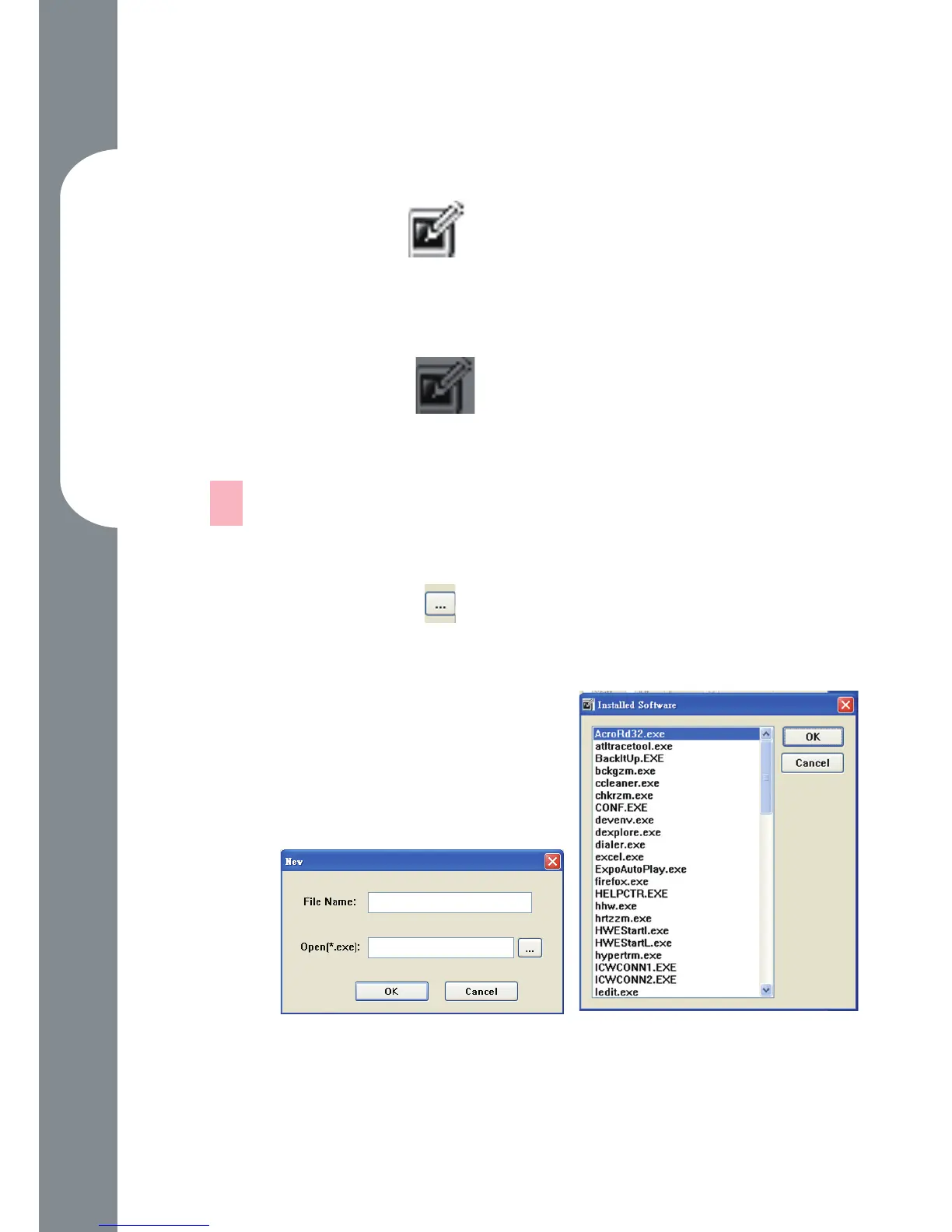
Click “New” and name the prole.
If a prole is set for particular software, click the
browser icon . If not, please skip this process and
click “OK” to nish setting a new prole.
All installed software is
showed. Click the right
software. Click “OK”
Click “OK” to nish this
setting.
—
1.
2.
3.
4.



 To Next Page