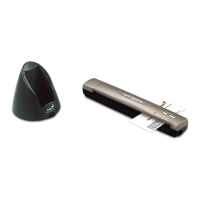
Genius Scanner
14
• Be sure not to bump or knock the scanner glass as it is fragile and could break.
• Clean the scanner glass by lightly spraying a non-abrasive glass cleaner onto a soft lint-free
cloth. Then, wipe the glass thoroughly with the cloth. DO NOT SPRAY CLEANER
DIRECTLY ONTO THE SCANNER GLASS. Excess liquid residue may fog or damage the
scanner.
• Your scanner operates best in temperatures between 10
° C to 40° C (50° F to 104° F).





 To Next Page