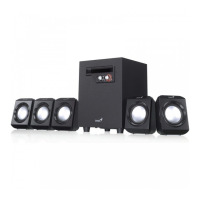
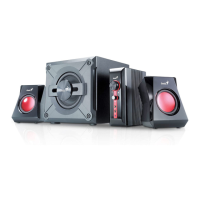
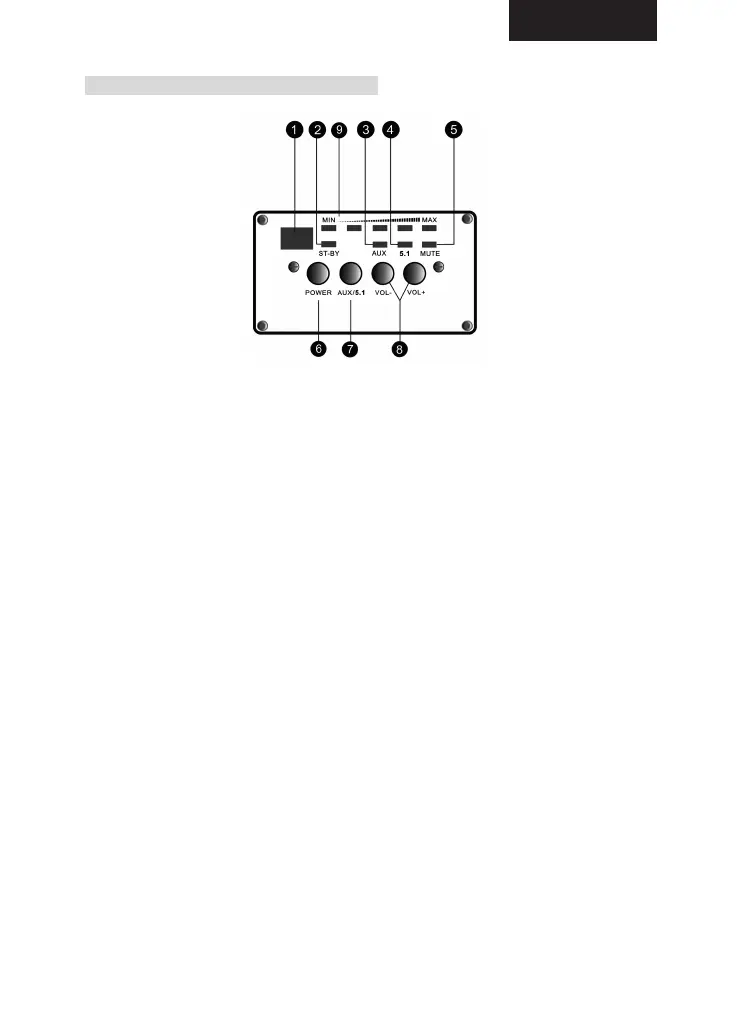
PANNELLO FRONTALE SUBWOOFER
1. SENSORE TELECOMANDO: Sensore per telecomando.
2. STANDBY: Indicatore LED dello standby. Il sistema è in modalità standby
quando il LED è rosso, ed è spento quando il LED è spento.
3. AUX: indicatore LED AUX. Il LED è acceso quando il sistema è in modalità
ingresso stereo esterno.
4. Indicatore LED 5.1: quando il LED è acceso, la modalità ingresso 5.1 è
attiva.
5. Indicatore LED MUTE: Il LED MUTE si accende quando il sistema è in
modalità MUTE (silenzio).
6. POWER: Premere il pulsanteper accendere o spengere il sistema.
7. AUX/5.1CH: premere il pulsante per selezionare la modalità di ingresso. Se
l'indicatore AUX è acceso, il sistema è in modalità AUX (ingresso stereo).
Se è acceso l'indicatore AC-3, è stata selezionata la modalità di ingresso
AC-3 (5.1CH).
8. VOLUME: Premere il pulsante “VOL-“ per abbassare il volume del sistema.
Premere il pulsante “VOL+” per alzare il volume degli altoparlanti.
9. PANNELLO VOLUME: Indicatori del volume, da basso ad alto.
ITALIANO
14


 To Next Page
 Loading...