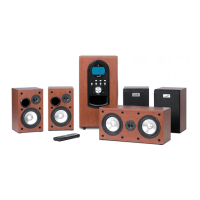
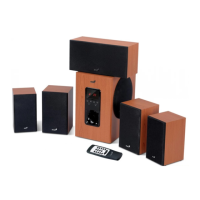
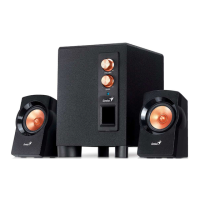
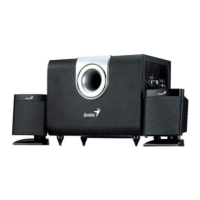
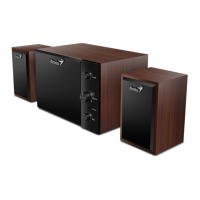
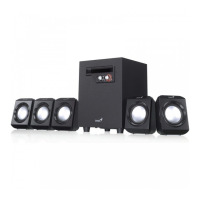
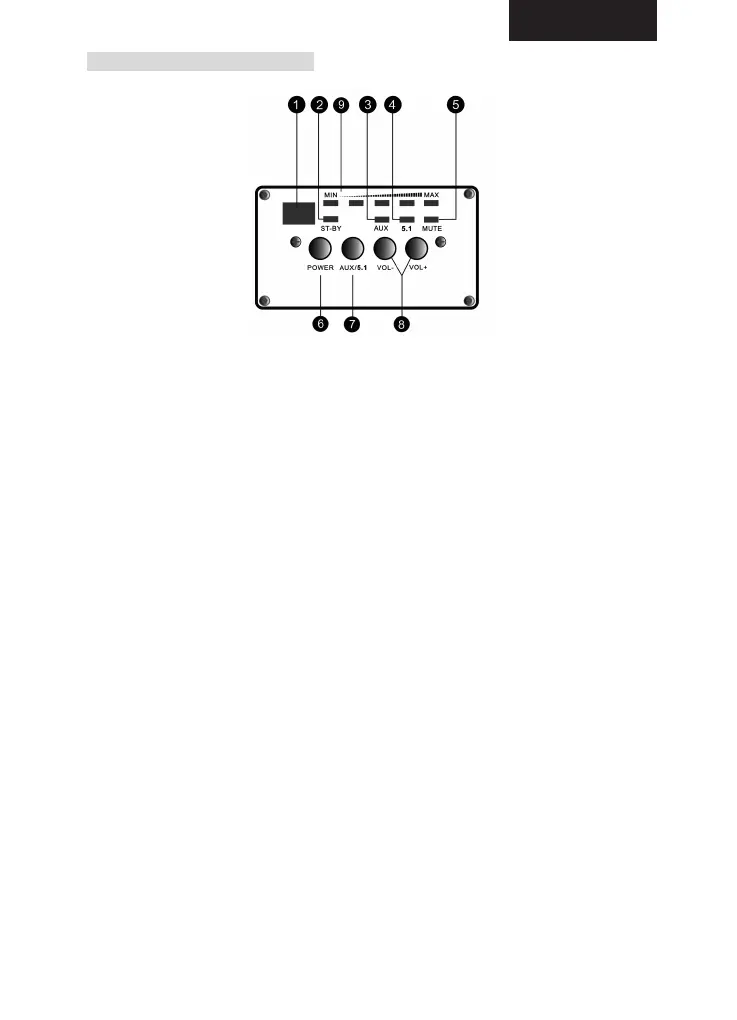
SUBWOOFER FRONT PANEL
1. REMOTE SENSOR: The sensor of the remote control.
2. STANDBY: Standby LED indicator. The speaker system is in standby mode
when LED is red, and it is off when the LED is off.
3. AUX: AUX LED indicator. LED is lit when speaker system is in external
stereo input mode.
4. 5.1 LED indicator: The 5.1 input mode is in operation when LED is lit.
5. MUTE LED indicator: MUTE LED will light up when system is in MUTE
mode.
6. POWER: Push the button to turn on or turn off the speaker system.
7. AUX/5.1CH: Push the button to select the input mode. When the AUX
indicator is on, an external stereo input mode is in operation. When the
AC-3 indicator is on, an AC-3 (5.1CH) input mode is being selected.
8. VOLUME: Push the “VOL-“ button to turn down the volume of the system.
And push the “VOL+” to turn up the volume of speakers.
9. VOLUME PANEL: Volume indicators from low to high.
ENGLISH
2


 To Next Page
 Loading...