Part 2 - Mechanical Assembly
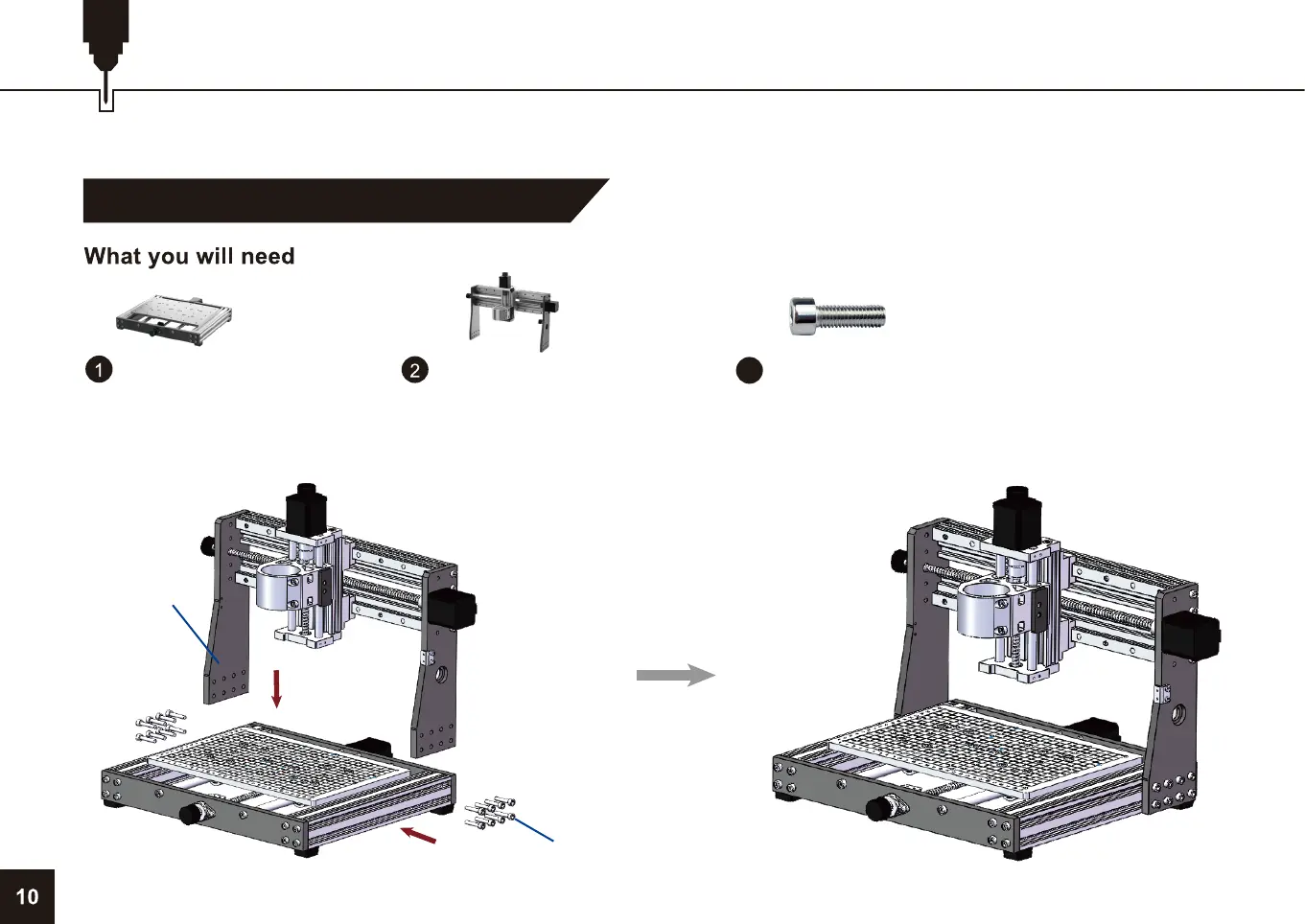
Step 1: Install the X-Axis/Z-Axis Gantry
Before we begin, place your 3020-PRO MAX CNC Base on a flat and level surface.
Base Assembly
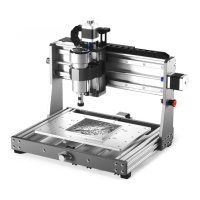
Please align the grantry holes with the nut holes on both sides of the Y axis. Insert the M5*25 Screw, adjust the gantry position and
make sure that the gantry is perpendicular to the platform, then tighten the screws.
M5 x 25 Screw
X-Axis/Z-Axis
Gantry
X-axis/Z-axis Gantry
16 x M5*25 Screw
24
1
2


 To Next Page