07 Mobile Phone Connection
27
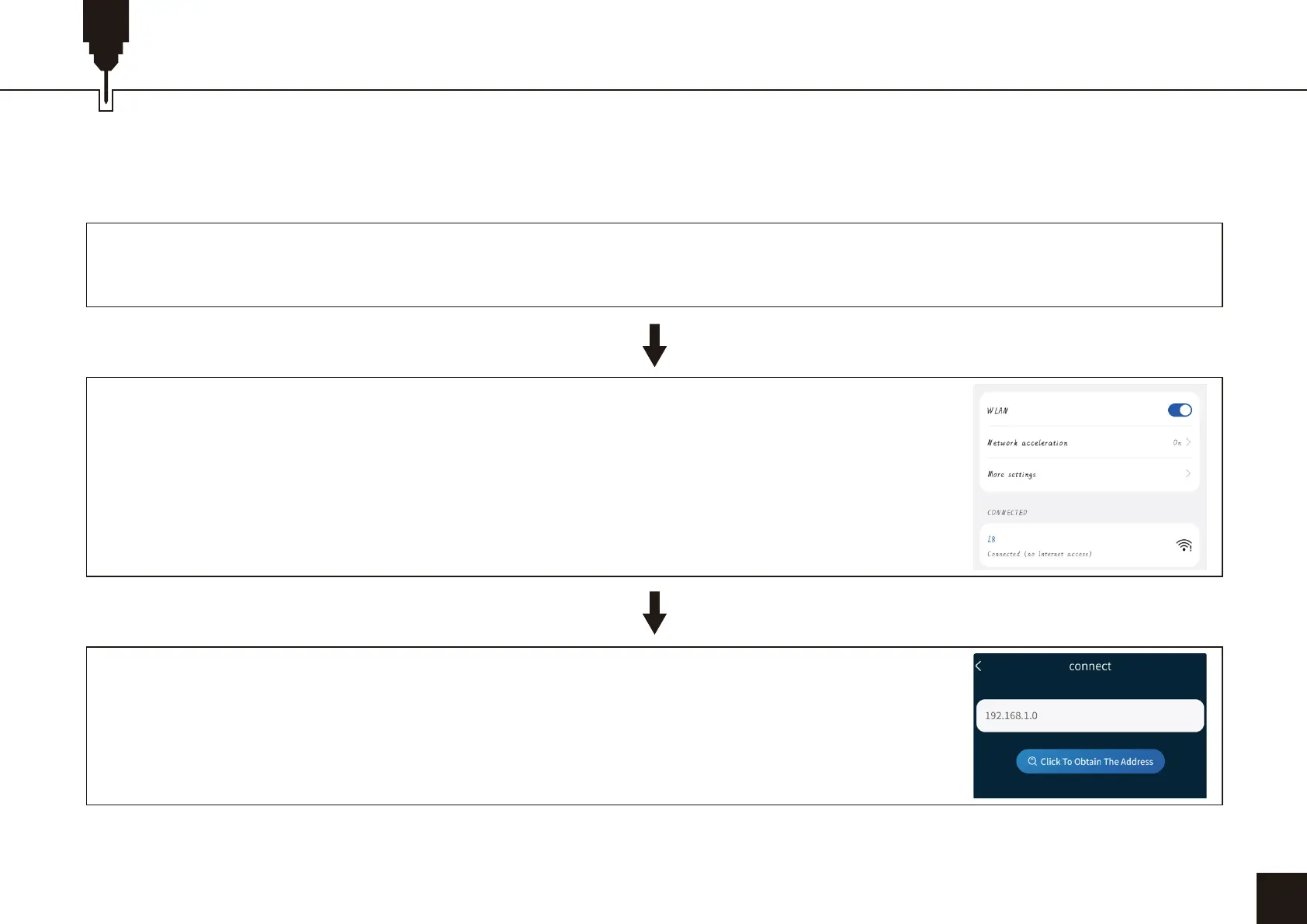
Note: After the mobile phone successfully connects to the machine, the phone has no network.
1. Instructions for connecting the phone to the machine: Default WiFi.
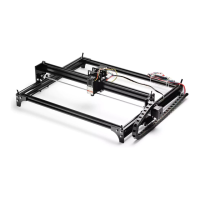
Turn on the power of the machine and turn it on.
After the WIFI connection is successful, open CutLabX APP, click the link mark in the
upper right corner, enter 192.168.0.1 in the IP address, and click Connect to complete the
connection.
Turn on the WLAN on the mobile phone, find the WIFI signal named L8, and the password
is 12345678.


 To Next Page