28
07 Mobile Phone Connection
Note: After the mobile phone successfully connects to the machine, the mobile phone can access the Internet normally.
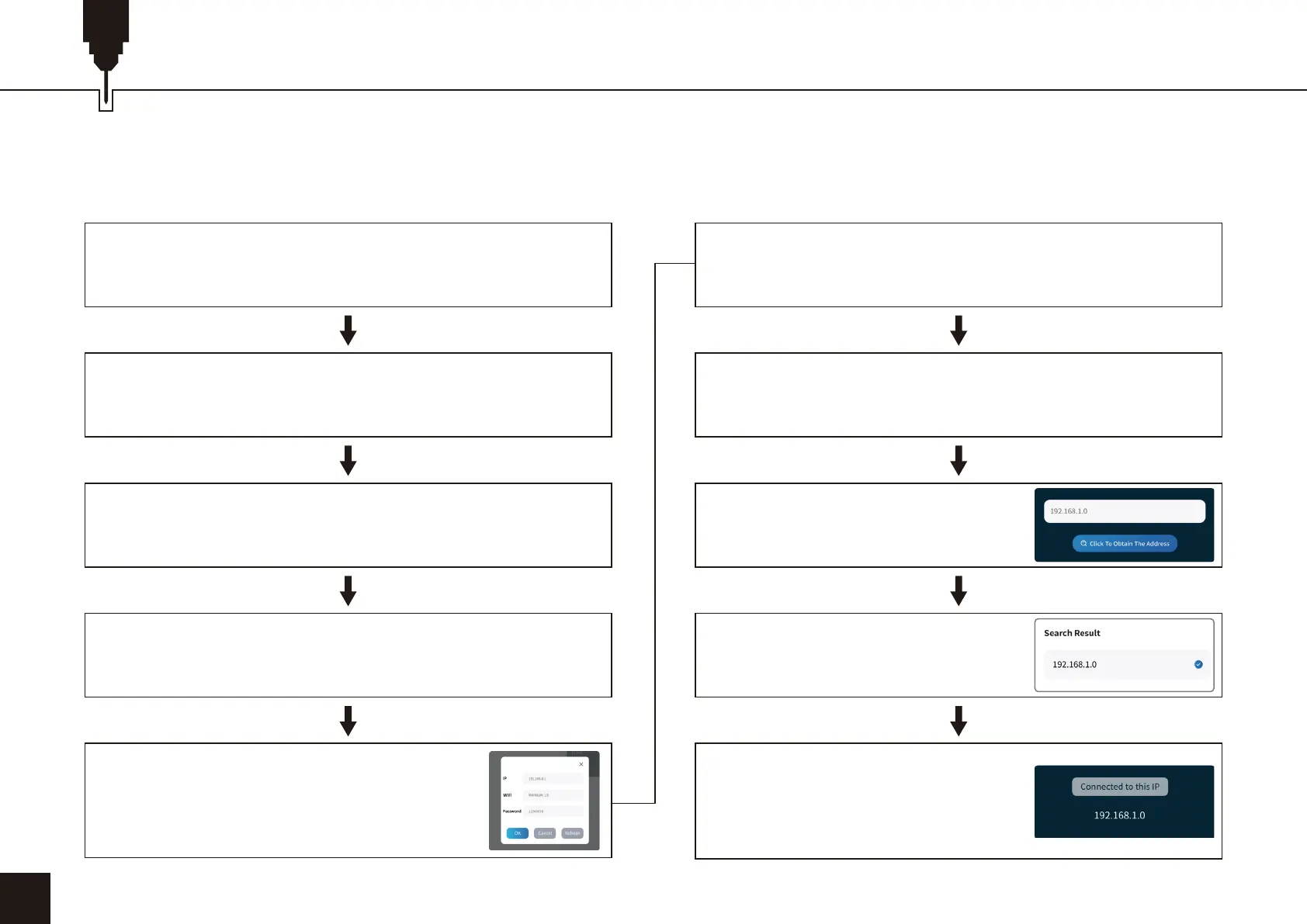
2. Mobile phone connection machine instructions: home network.
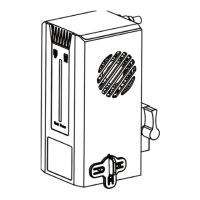
Turn on the power of the machine and turn it on
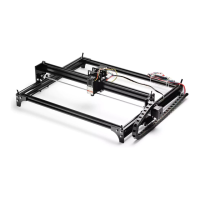
Connect to L8 with USB cable
After the WIFI connection is successful, open CutLabX
APP, click the link mark in the upper right corner
Open the CutLabX software to enter the authoring page
Automatic machine connection (if it does not connect
automatically, you need to try another COM)
Turn on Wi-Fi on your phone, find the home network
WiFi name, and enter the password
Click the Set Up WiFi button, enter the
WIFI name and password of your home
network, and restart the machine
“Click Get address”
The connected IP address is
displayed, indicating a successful
connection
Click on the IP address you
obtained, and then click "Connect"


 To Next Page