33
08 Frequently Asked Questions
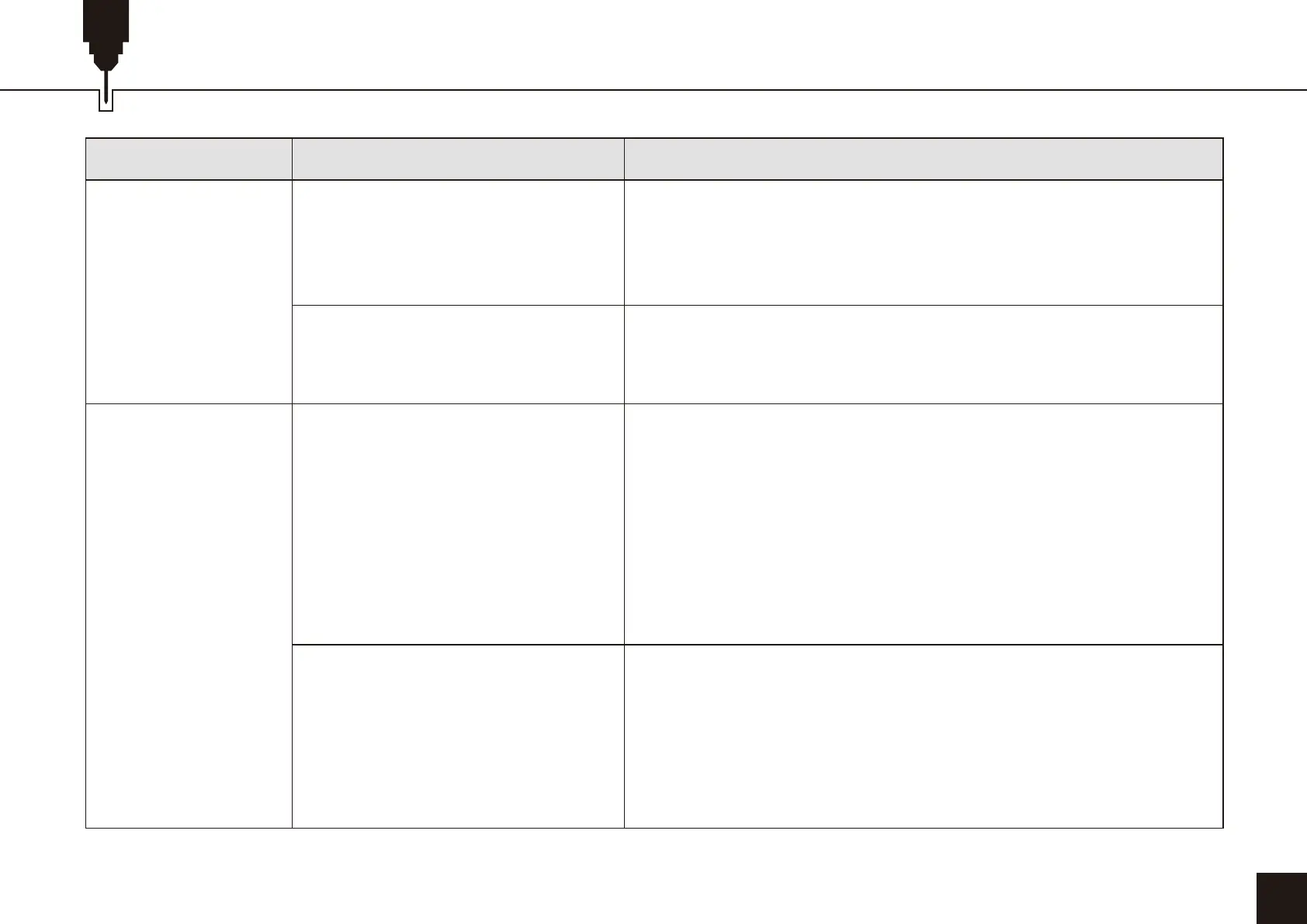
FAQQUESTIONS TYPE
Software Related
Issues
Engraving/Cutting
Related Questions
SOLUTION
Why is there a big difference in the
processing effect of materials with
the same material but different
colors using the same G-code file?
There is a lot of smoke and dust
on the material after cutting, how
to deal with it?
Why can't the material be cut
through?
What software does the L8 laser
engraving machine support?
Materials of different colors have different optical properties, and
the absorption and reflection of laser energy are different. It is
recommended to set different power and speed in the software
when engraving materials of the same material but different colors.
Please reduce the laser power appropriately and increase the
speed.
1. Make sure that the machine and engraving materials are parallel
to the work surface;
2. Make sure that the protective lens of the laser module is clean;
3. Make sure to focus in the correct way;
4. Confirm the material thickness again, and set it according to the
recommended parameters in the random data;
5. Gradually increase the number of cuts, or reduce the cutting
speed appropriately.
LaserGRBL (Free) - Real time
LightBurn (paid) - Real time/Offline 30-day trial
CutLabX (Free) - Real time/Offline/Mobile
When engraving in real time, pay attention to the computer not to
freeze, and not to enter the standby state (do not lock the screen),
so as not to affect the engraving.


 To Next Page
 Loading...