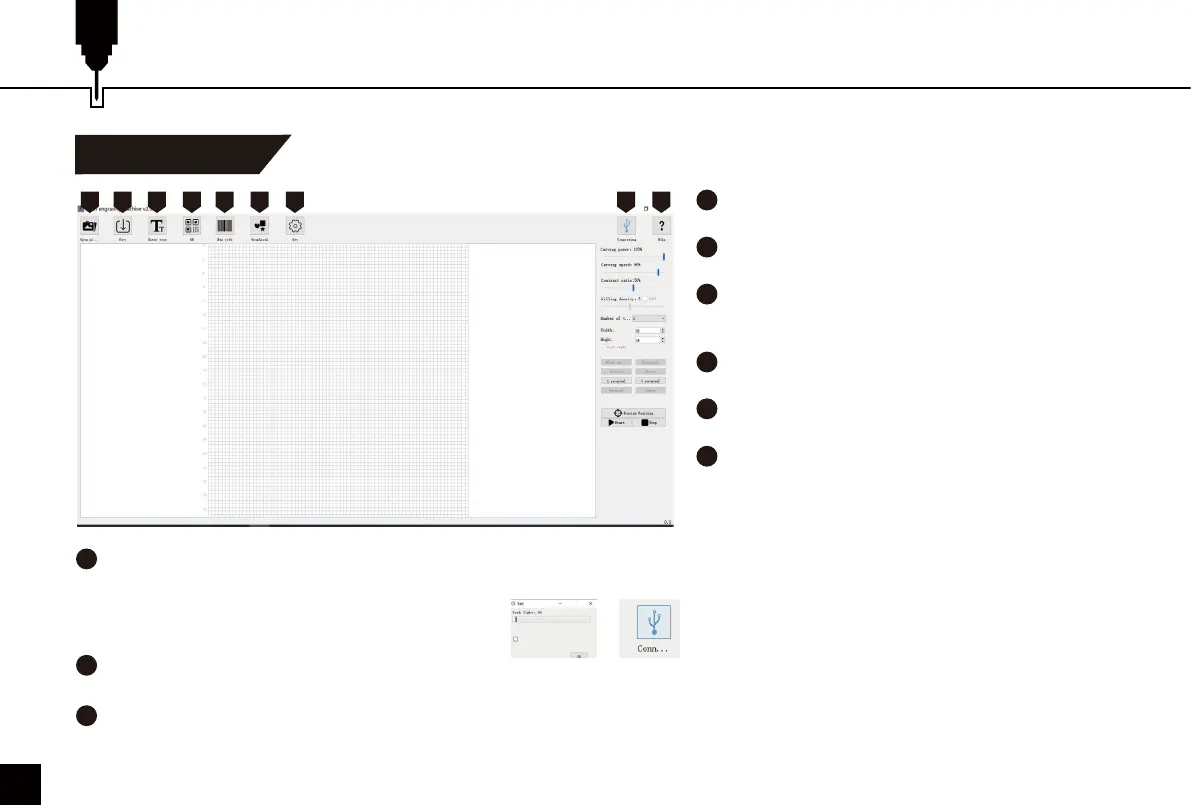
Custom PC Engraving Software Introduction
User Interface
1
2
3
4
5
6
7
Open
Load photos from computer.
Save
Save the edited texts and photos.
Input Text
Create/edit text, change font family, font style, font
size and text rotation etc.
QR code
Create QR code.
Bar Code
Create Bar code.
Graphics
The graphics creation tool helps you quickly create
graphics, including circles, squares, hearts and
stars.
8
9
Connect the device
Click to connect the machine with your PC. The icon turns blue if the machine is successfully connected.
Help
Link to SainSmart Resources Center, where you can find software, user manual, and video tutorial for the machine.
1 2 3 4 5 6 7 8 9
3
7
Settings
You can set the power of your laser here for test firing and framing of projects. You can also enable/disable the rotary attachment here.
20
Rotary Roller



 To Next Page