Custom PC Engraving Software Introduction
User Interface
1
2
3
4
5
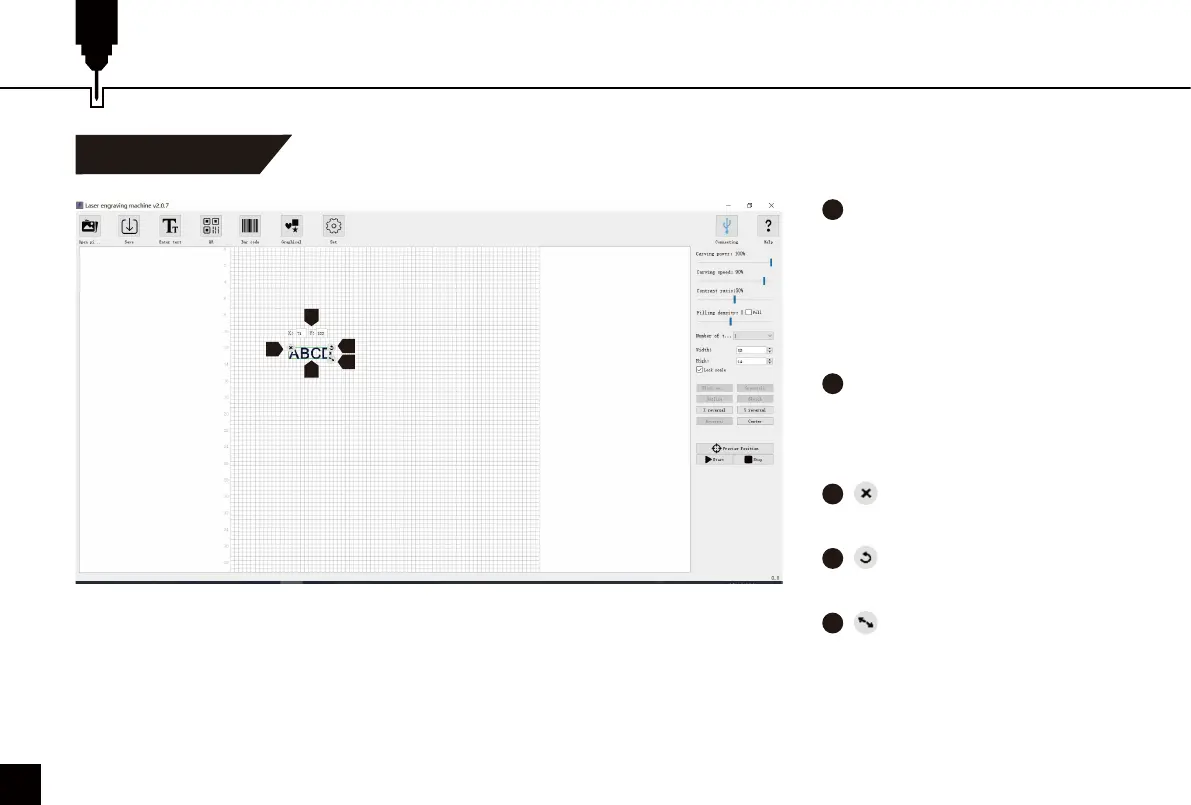
After loading your artwork,
left-click the mouse to move the
artwork position, right-click the
mouse to move the drawing
board. Scrolling the mouse
wheel to zoom in or out from the
mouse's location.
X:71 Y:122 are the X Position
and Y Position of your artwork.
These numbers change with your
artwork position.
Remove your artwork from
the drawing board.
Left-click the icon with your
mouse to rotate your artwork.
Left-click the icon with your
mouse to zoom in/out your
artwork.
2
1
4
5
3
24



 To Next Page