2.6.5
RADIO CHAPTER 6
GEODIMETER SYSTEM 600
properly, that no other radio is working on the same
channel, then restart both units and retry. If still no radio
contact can be established, contact your local Geodimeter
Service shop for support.
If the radio contact between the RPU and the instrument is
disturbed e.g. by another radio info code 30 or 107 may be
displayed. If this appear, try to change channel.
Note !
If the radio battery is in a bad condition when you start the
system from the RPU, the system might need to be
restarted, i.e. station establishment etc. might have to be
done again.
External radio
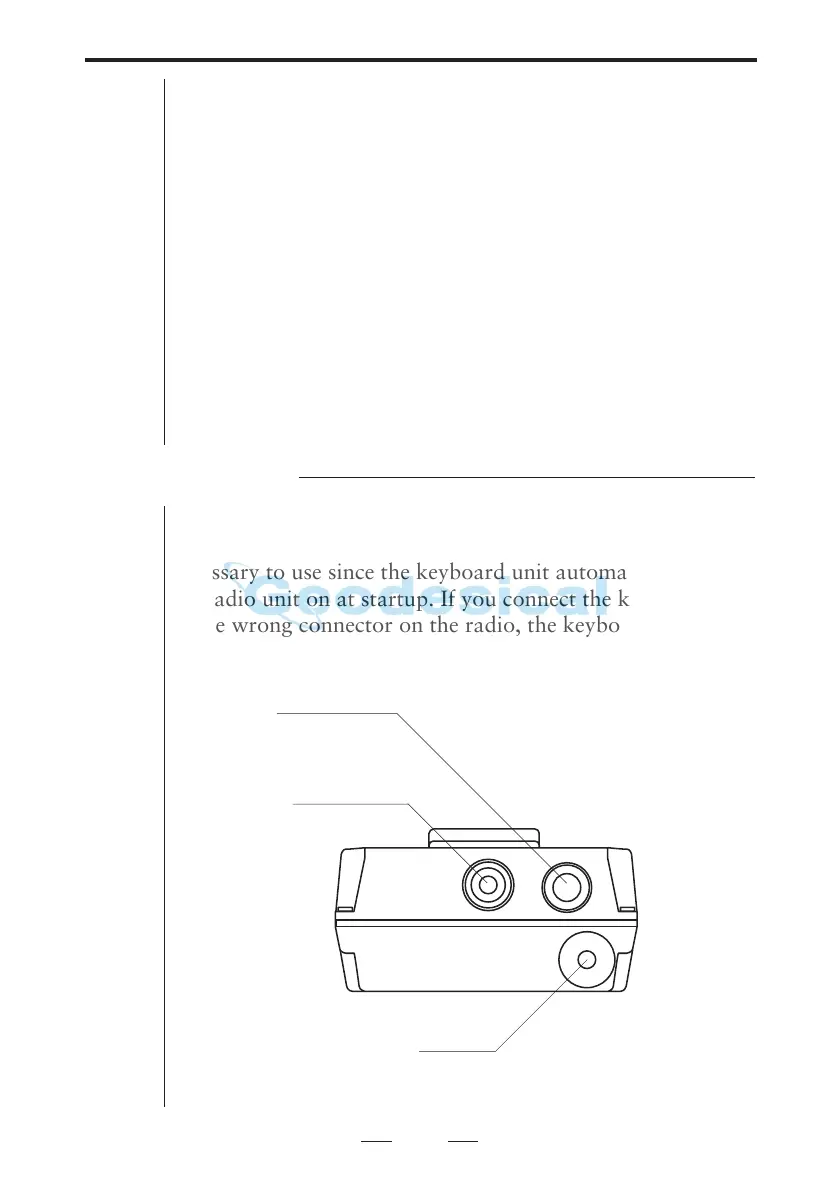
The external radio is connected to the keyboard unit with the
system cable. The PWR button on the radio unit is not
necessary to use since the keyboard unit automatically turns
the radio unit on at startup. If you connect the keyboard unit
to the wrong connector on the radio, the keyboard unit
automatically obtains local mode.
Power LED
Power button
Antenna
Fig 6.2 External radio - top view



 To Next Page