Z LED 60 starter set operating Instructions Revision as of 06.03.2020
(TNR: 33700064 / 33700065) GERA Leuchten GmbH
Instructions for setting up and controlling adjustable LED
lights
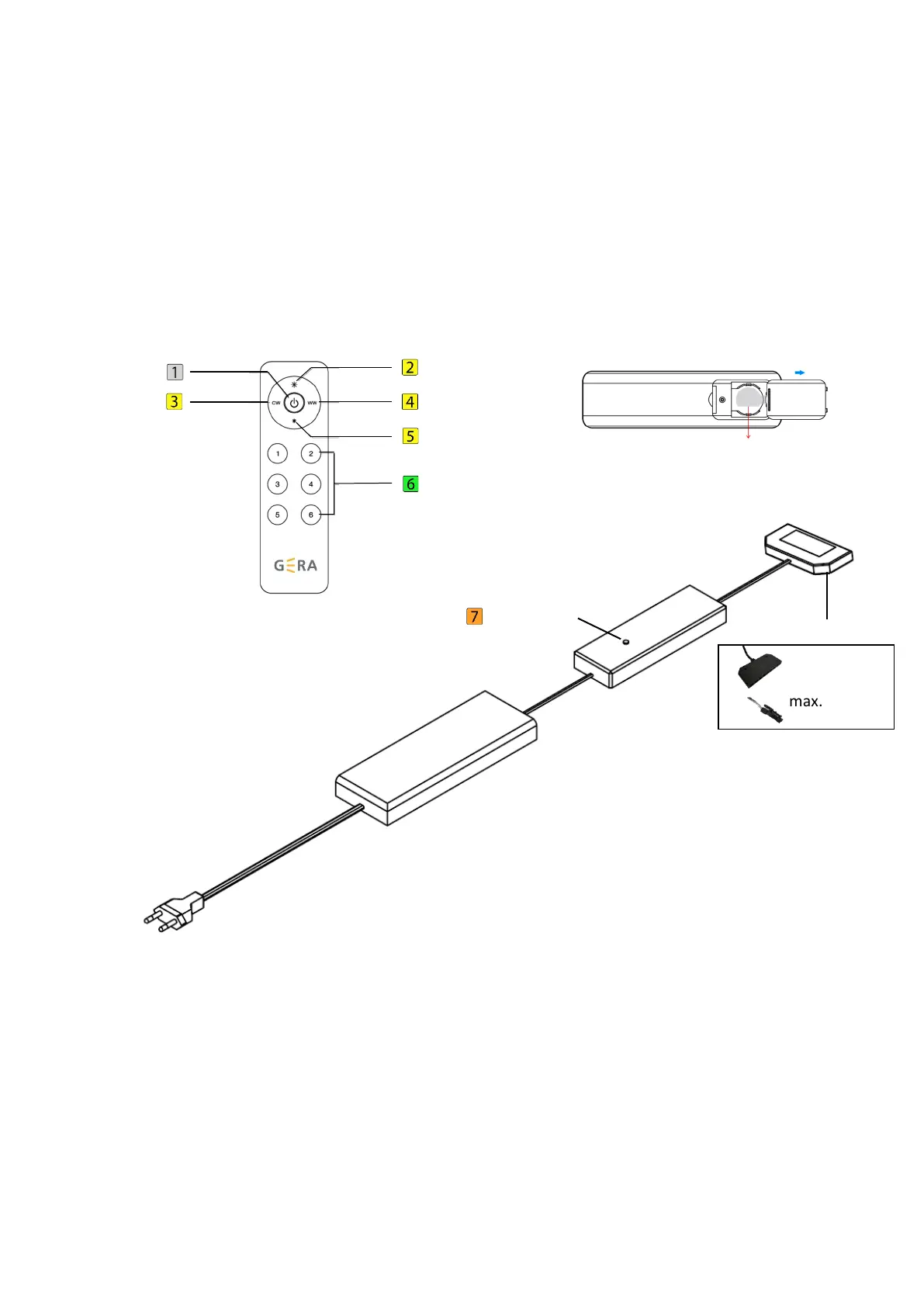
The radio remote control unit and the control unit supplied are already connected with one another
when delivered from the factory. Item 3 describes how to train additional control units.
1. Radio remote control & control unit
2. How to prepare the radio remote control
(1) Unpacking the radio remote control.
(2) Open the cover on the back of the radio remote control, and remove the insulating strip
from the battery compartment. Then close the cover.
(3) Use the double-face adhesive tape supplied to attach the magnet holder at the desired
position. As an alternative, you can also use the two screws.
max. 36 Watt



 To Next Page