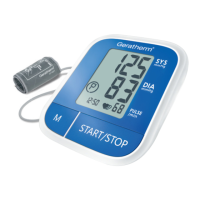
Need help?
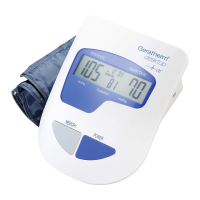
Do you have a question about the GERATHERM desktop 2.0 and is the answer not in the manual?
Details the device's measurement methods, features like DCT, fuzzy logic, and USB connectivity.
Illustrates and explains the meaning of various symbols shown on the device's LCD screen.
Instructions for inserting and replacing the device's batteries, including notes on type and safety.
Guidance on how to correctly wrap and fasten the blood pressure cuff around the arm.
Details the correct body posture and arm position for accurate blood pressure measurements.
Step-by-step guide to setting the internal clock and date on the blood pressure monitor.
Instructions on how to perform a blood pressure measurement, including selecting modes and starting the process.
Explains how to retrieve and view previously stored blood pressure readings from the device's memory.
Provides instructions for deleting single or all stored measurement data from the device's memory.
Information on transferring and analyzing measurement data using the dedicated desktop software.
 General
| Brand | GERATHERM |
|---|---|
| Model | desktop 2.0 |
| Category | Blood Pressure Monitor |
| Language | English |

 To Next Page