EN
43
Operations
Recalling Memory Values
Press the MEMORY GROUP button to choose the de-
sired memory group.
Press MEMORY to recall the last stored measurement
value.
Press MEMORY again to go to previous memory val-
ues.
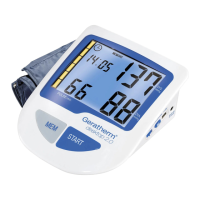
When the measurement is completed, the display will
show the measured blood pressure values, pulse rate,
memory group, date/time and WHO color classifi ca-
tion.
Press START to turn off the unit. Otherwise it will turn
off automaitcally after about 150 seconds.
As regards the WHO classifi cation, please read on
page 34.
Note:
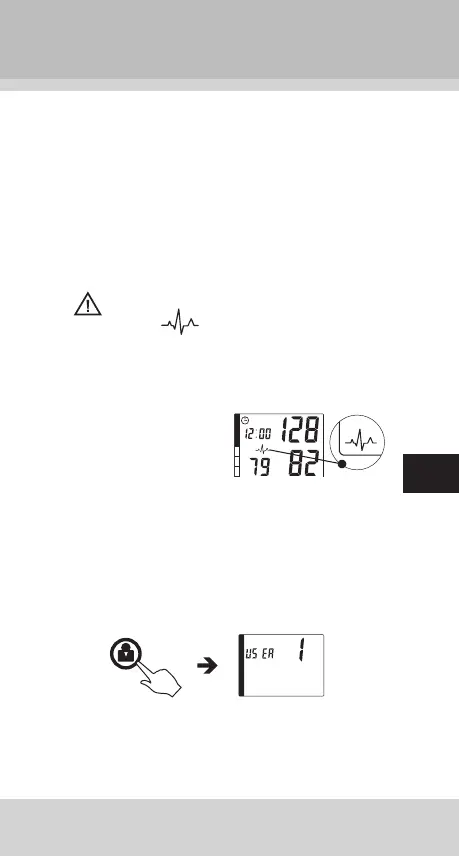
If the symbol “
” appears, it means the unit has
detected irregular pulse during measurement. If the
symbol appears regularly please consult a qualifi ed
physician for professional advice.


 To Next Page