EN
41
Operations
Setting the Clock and Date
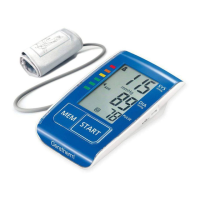
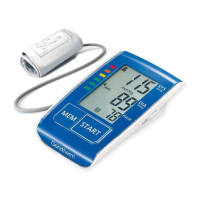
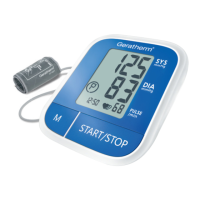
With the unit switched off, press
the MEMORY button until the dis-
play shows a blinking year.
Press the START button to adjust
the year while it is blinking.
Then press the MEMORY button
again; the month will appear and
blink. Adjust the month using the
START button.
Repeat these operations for en-
tering date, hour and minute.



 To Next Page