“SMART”
Electronic control for towel radiators
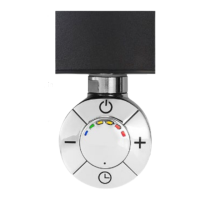
Press the [On/Standby] button to turn on the device or to enter the “Standby/Antifreeze” mode.
NOTE: When the device is switched to "Standby/Antifreeze" mode, it beeps twice for 0.5sec.
When the device is switched to “On” mode (i.e. it is turned on), it beeps for 1sec.
“Comfort” mode: In this mode the desired temperature of the radiator is selected. The temperature
value is set through the [+] and [-] buttons to one of the following values:
40°C, 45°C, 50°C, 55°C, 60°C, 65°C.
The rightmost lit or blinking LED in the “Comfort bar” indicates the selected temperature. A blinking
LED indicates that the corresponding temperature has not yet been reached during the heating
phase. When a certain temperature level is reached, the corresponding LED stops blinking and
remains lit.
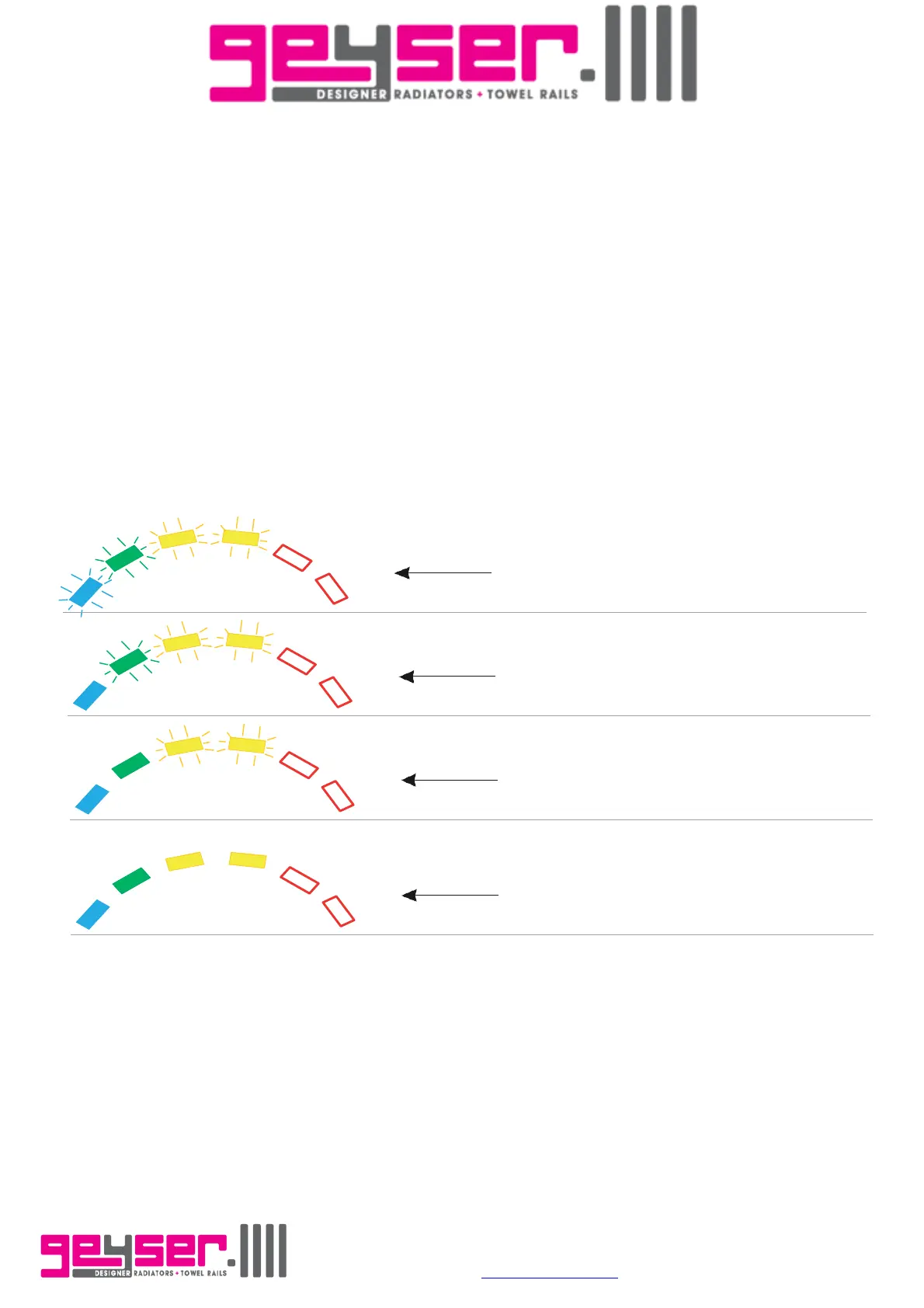
Example:
The device is firstly turned on.
Pressing 4 times the [+] button, the
desired temperature is set to a value
of 55°C (the first 4 LEDs from the left
start blinking).
The radiator starts heating. When the
temperature of the radiator reaches
40°C the first (blue) LED stops blinking
and remains lit.
After some time, the temperature
reaches 45°C and the second (green)
LED also stops blinking and remains
lit.
The same behavior applies to the two
subsequent (yellow) LEDs, until the
desired temperature of 55°C is
reached (all LEDs stop blinking).
“Standby/Antifreeze” mode: In this mode the device goes in standby, however as soon as the
temperature of the radiator falls below 10°C, the heating element is automatically powered on.
Unit D, Lostock Ind. Est., Lostock Lane, Bolton. Lancashire. BL6 4BL.
Tel. 01204 695387 E-mail
sales@geyser.co.uk or aftersales@geyser.co.uk


 To Next Page
 Loading...