59
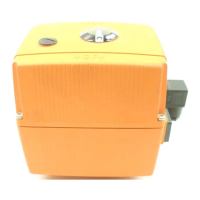
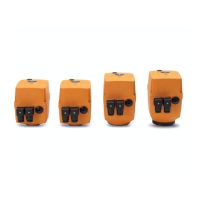
(1) Delivery position EA21
(2) Delivery position EA31
(3) Delivery position EA42
Reset „Number of Cycles“
Turn the BCD-Switch in the Po-
sition O (Position corresponding
to 1 Cycle). Drive the actuator
into CLOSE Position and back to
OPEN Position. The LED lights
up. Press the reset button on the
basic print and the cycle counter
will be cleared. Now the BCD
Switch can be set to the desired
number of cycles again. (refer
to table)
Switch setting Number of cycles
0 1
1 10.000
2 20.000
3 30.000 (3)
4 40.000 (2)
5 50.000 (1)
6 60.000
7 70.000
8 80.000
9 90.000
Current monitoring
Description Technical data Code
Current
monitoring
199 190 081
This function monitors the motor current. If the motor
current is greater than the pre-set value, a malfunction is
reported.
Switch setting Max. motor current/mA
0 200
1 400
2 600 (1)
3 800
4 1.000 (2)
5 1.200
6 1.400 (3)
7 1.600
8 1.800
9 2.000
When setting the BCD switches, make sure
that the set function do not block one ano-
ther.
Example BCD1 cycle timeposition position 3 = 19s
EA21: BCD2 cycle time monitoring position 0 = 7s



 To Next Page