Chapter 5 Parameters
VFD-E Series
Revision August 2006, 01EE, SW--PW V1.03/CTL V2.03 5-23
5.3 Description of Parameter Settings
Group 0: User Parameters aThis parameter can be set during operation.
00.00 Identity Code of the AC motor drive
Settings Read Only Factory setting: ##
00.01 Rated Current Display of the AC motor drive
Settings Read Only Factory setting: #.#
Pr. 00.00 displays the identity code of the AC motor drive. The capacity, rated current, rated
voltage and the max. carrier frequency relate to the identity code. Users can use the following
table to check how the rated current, rated voltage and max. carrier frequency of the AC
motor drive correspond to the identity code.
Pr.00.01 displays the rated current of the AC motor drive. By reading this parameter the user
can check if the AC motor drive is correct.
00.02
Parameter Reset
Factory Setting: 0
Settings 1 All parameters are read-only
6 Clear PLC program
9 All parameters are reset to factory settings (50Hz, 230V/400V or
220V/380V depends on Pr.00.12)
10 All parameters are reset to factory settings (60Hz, 115V/220V/440V)
This parameter allows the user to reset all parameters to the factory settings except the fault
records (Pr.06.08 ~ Pr.06.12).
50Hz: Pr.01.00 and Pr.01.01 are set to 50Hz and Pr.01.02 will be set by Pr.00.12.
60Hz: Pr.01.00 and Pr.01.01 are set to 60Hz and Pr.01.02 is set to 115V, 230V or 460V.
When Pr.00.02=1, all parameters are read-only. To write all parameters, set Pr.00.02=0.
00.03
aStart-up Display Selection
Factory Setting: 0
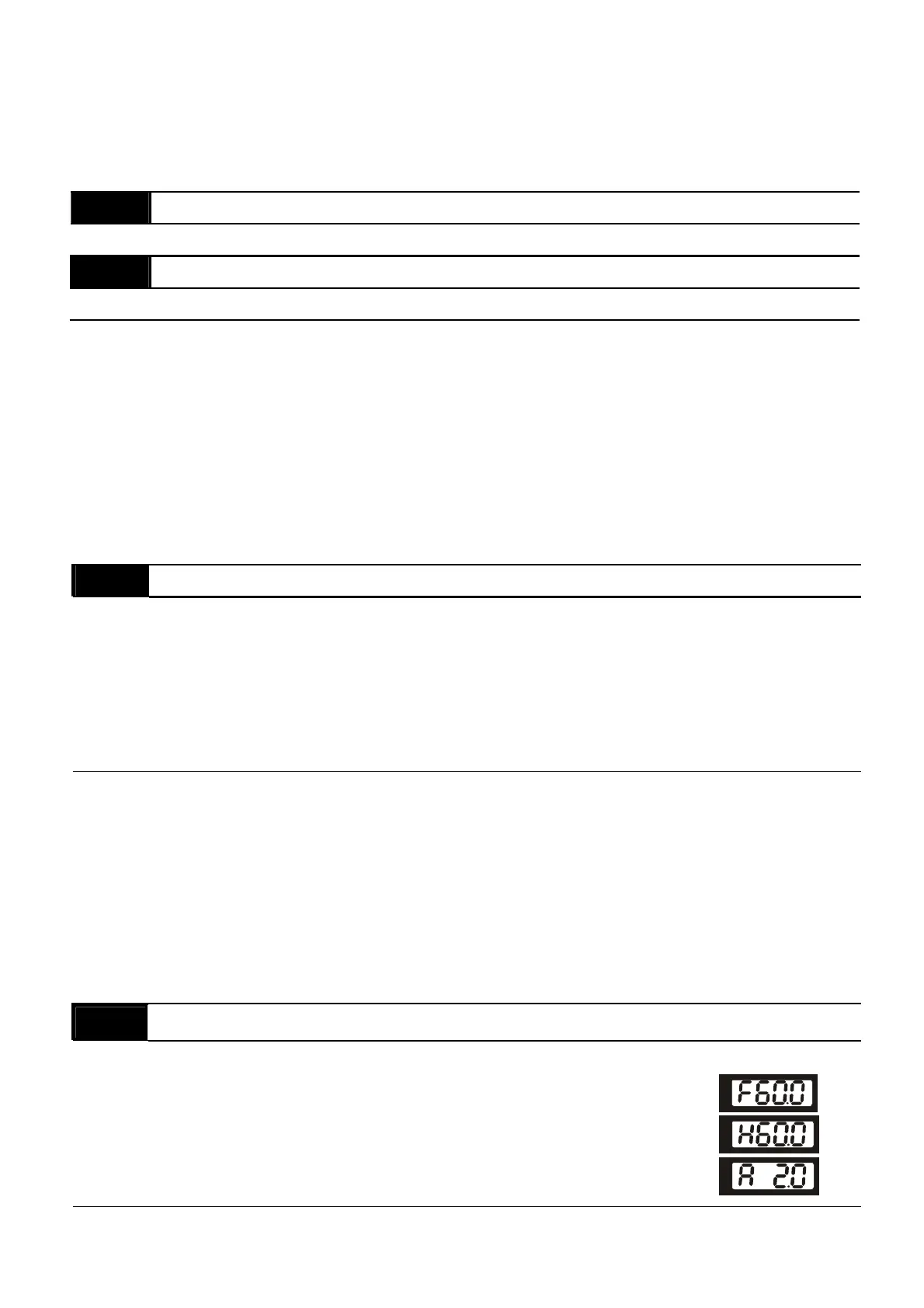
Settings 0 Display the frequency command value (Fxxx)
1 Display the actual output frequency (Hxxx)
2 Display the output current in A supplied to the motor
(Axxx)


 To Next Page
 Loading...