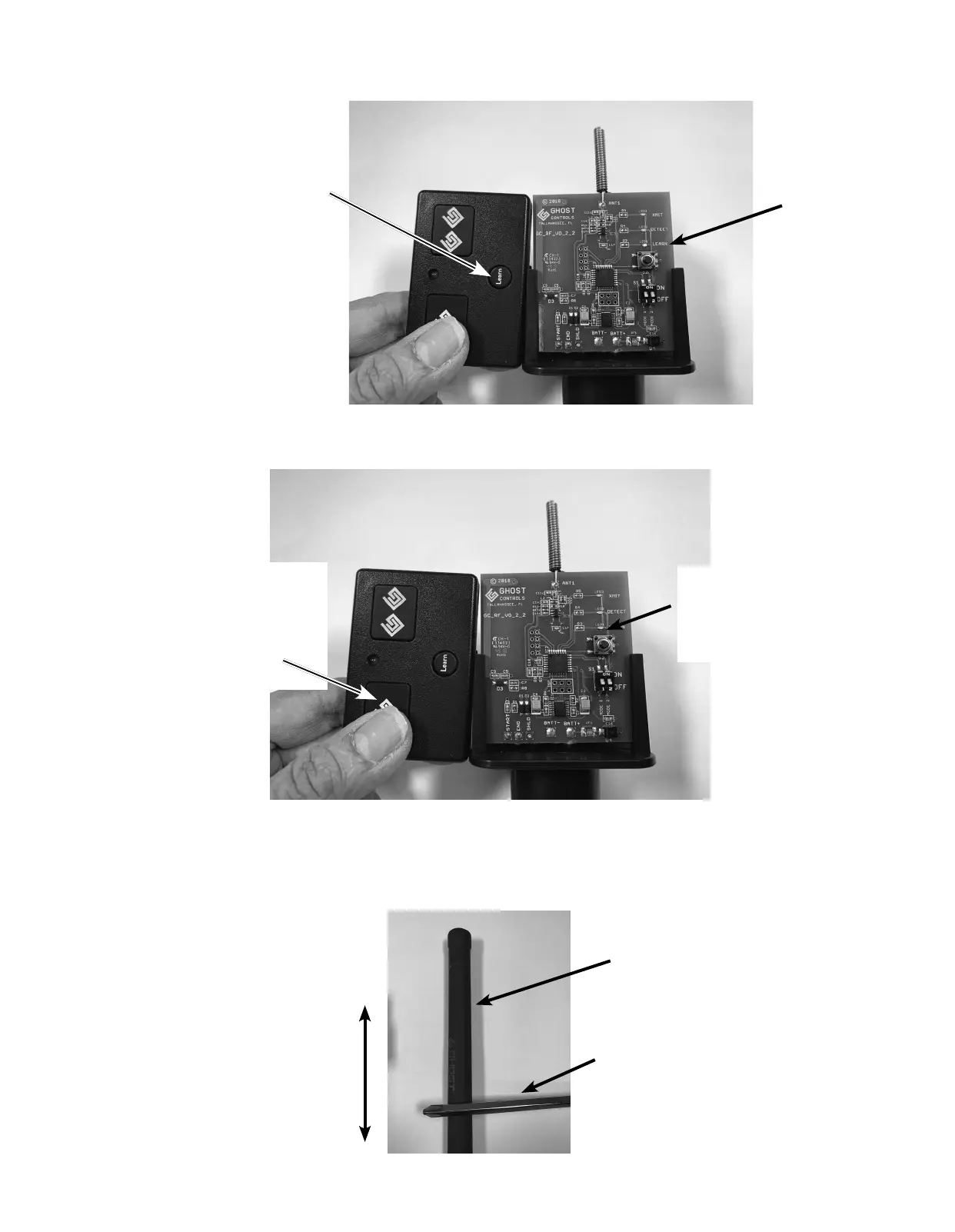
C. Place the transmitter next to Control Board on left side with the remote transmitter LEARN button located closest to the left side of
the Control Board.
(Shown below, Step 2C)
D. On the transmitter, PRESS and HOLD DOWN the button on remote transmitter (typically the large button with the single GC logo)
that controls the gate.
(Shown below, Step 2D)
E. The RED “LEARN” LED on the Control Board should go OFF indicating the signal is “LEARNED”.
3. TESTING THE SENSOR PROBE:
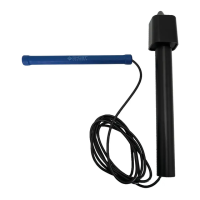
A. Move some type of steel object like a large screw driver along the vehicle sensor (as shown below in Step 3A).
RED LED light on
Control Board should
go OFF. Now you can
OPEN your gate with
vehicle sensor.
Step 2C
Step 2D
Sensor Probe
Step 3A
Screwdriver or other metal object
Move screwdriver this way
This remote transmitter
button currently opens
the gate. Press and
HOLD this button until
RED LED on Control
Board goes out.
Learn button on remote
transmitter closest to left
edge of Control Board.
DO NOT press this
“LEARN” button.
“LEARN”
LED ON


 To Next Page
 Loading...