5
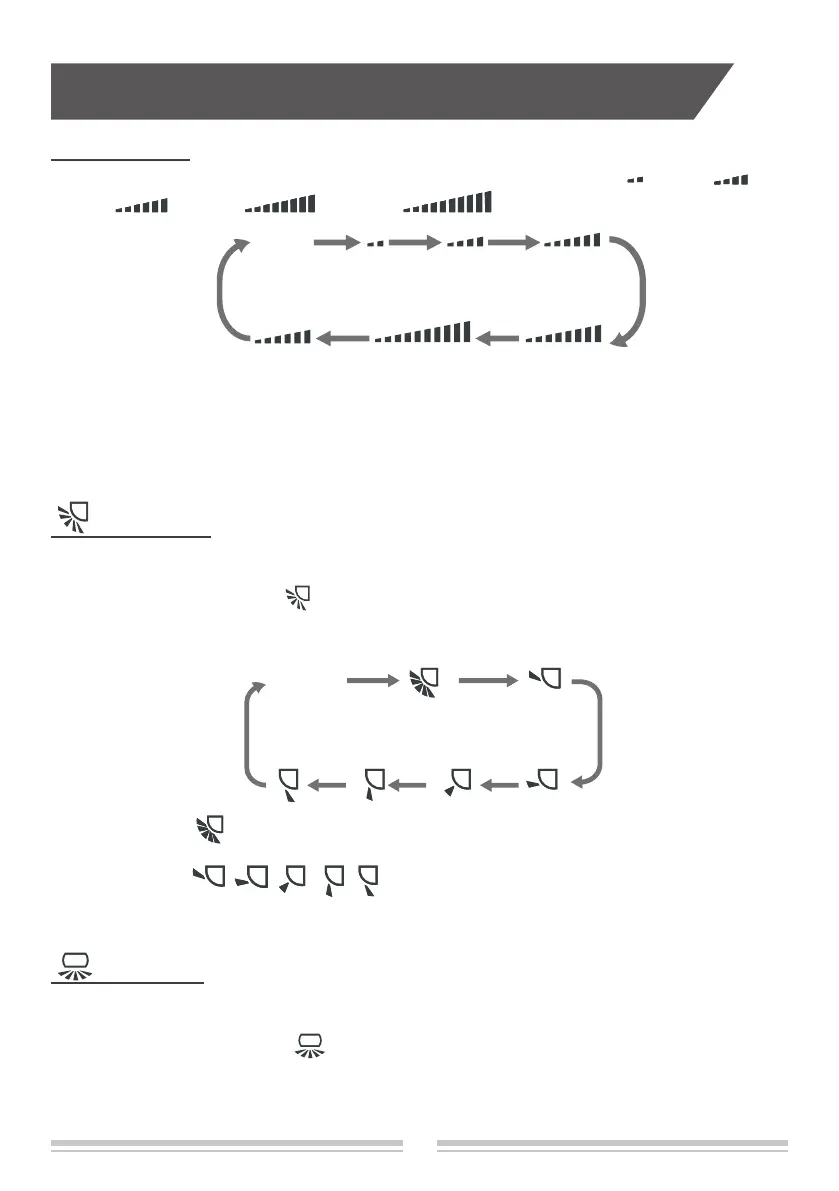
When selecting " " with remote controller, it’s auto swing. Horizontal louver of air
conditioner will swing up&down automatically at the maximum angle.
When selecting " , , , , " with remote controller,it's the xed position
swing. Horizontal louver of air conditioner will stop at that position as shown by the icon to
swing.
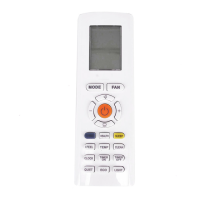
FAN button
Pressing this button can set fan speed circularly as: auto (AUTO), fan1( ), fan2 ( ) ,
fan3 ( ) , fan4 ( ), fan5 ( ), stepless speed.
Note:
● In AUTO speed, air conditioner will select proper fan speed automatically according to ambient
temperature.
● Fan speed under dry mode is fan1.
● After entering the stepless speed mode, users can adjust the fan speed according to the
button"+" or"-".
fan1 fan2 fan3
fan4fan5
button
button
Press this button the vertical swing function can be started and canceled.The remote
controller defaults to static swing condition.
Press "MODE" button and "
" button at the same time when remote controller OFF to
switch between simple swing and static swing.
In static swing condition, pressing button, the swing angle of horizontal louver changes as
below:
Note:
Press this button the horizontal swing function can be started and canceled. The remote
controller defaults to static swing condition.
Press "MODE" button and " " button at the same time at remote controller OFF to
switch between simple swing and static swing.
In static swing condition, pressing button, the swing angle of vertical louver changes as
below:
stepless speed
Buttons on remote controller
AUTO
No display


 To Next Page
 Loading...