6
+ and - button
Press "+" or " -" button once to increase or decrease 1
℃
of setting temperature.
Holding "+" or "- " button, setting temperature on remote controller will change quickly. On
releasing button after setting is nished,temperature indicator on indoor unit will change
accordingly. (Temperature can’t be adjusted under auto mode)
When setting TIMER ON, TIMER OFF or CLOCK, press "+" or " -" button to adjust time
(Refer to CLOCK, TIMER ON, TIMER OFF buttons).
TURBO button
Press this button to turn on or turn off the TURBO function in cooling, heating, fan mode.
Note:
●
Press "QUIET" or "FAN" button the unit will quit this function.
●
This function is no use in auto mode or dry mode.
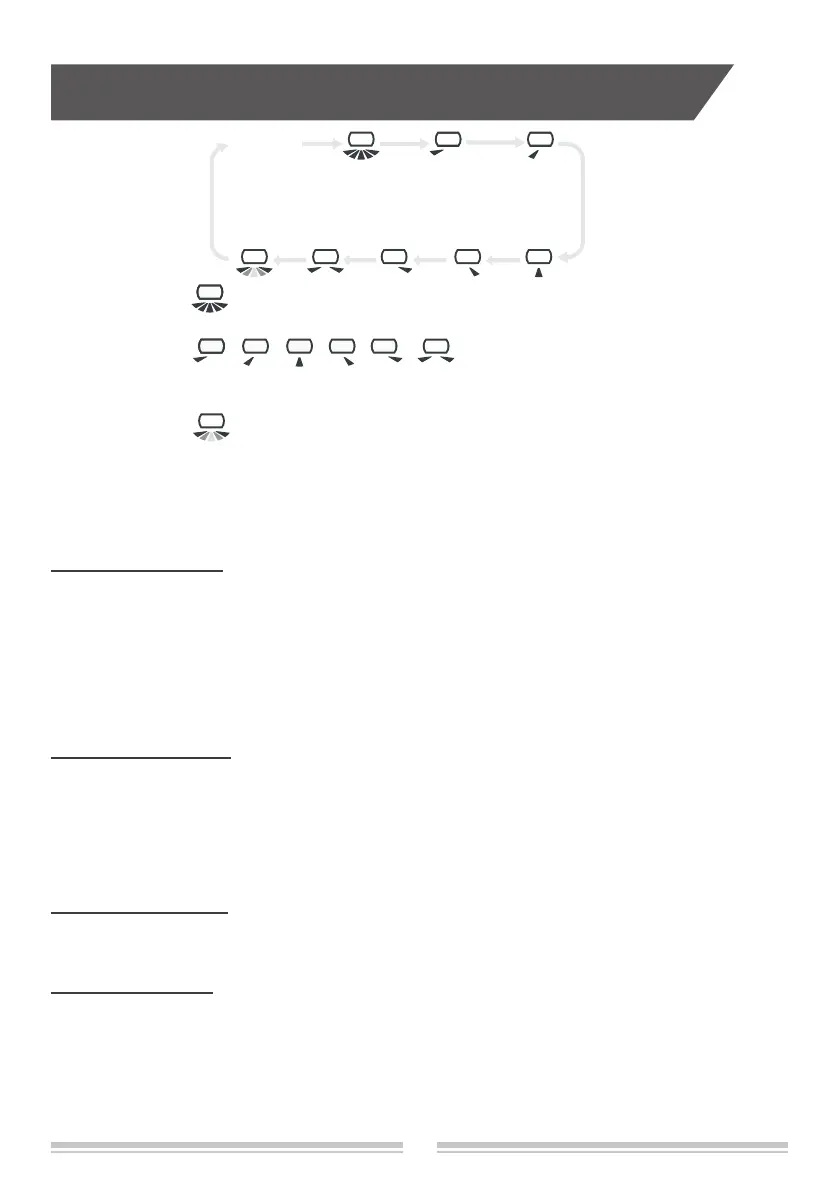
When selecting " " with remote controller, it’s auto swing. Vertical louver of air
conditioner will swing left&right automatically at the maximum angle.
When selecting " , , , , ,
" with remote controller,it's the xed
position swing. Vertical louver of air conditioner will stop at that position as shown by the
icon to swing.
When selecting " ", it’s the circulating swing. Vertical louver of air conditioner will
swing circularly according to the angle as shown by the icon.
If there is no this fuction for units, If press this button, the main unit will sound, but it also
runs under original status.
Note:
HEALTH button
Press this button to turn on or turn off the health function.
SLEEP button
Press this button to turn on or turn off the SLEEP function in cooling, heating,dry mode.
Note:
●
This function is off as defaulted after power on.
●
It will be cleared after changing mode.
●
It is no use under "FAN" mode and "AUTO" mode.
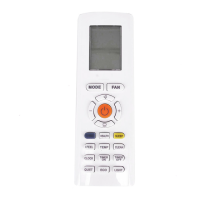
Buttons on remote controller
No display


 To Next Page
 Loading...