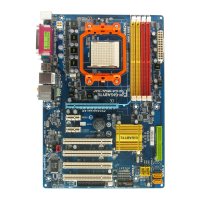
GA-M52S-S3P Motherboard - 64 -
English
Step 6:
Select Save & Exit Setup and then press <Y> to save settings to CMOS and exit BIOS Setup. The
procedure is complete after the system restarts.
Press <Y> to load BIOS defaults
Step 4:
Press <Esc> and then <Enter> to exit Q-Flash and reboot the system. As the system boots, you should
see the new BIOS version is present on the POST screen.
Step 5:
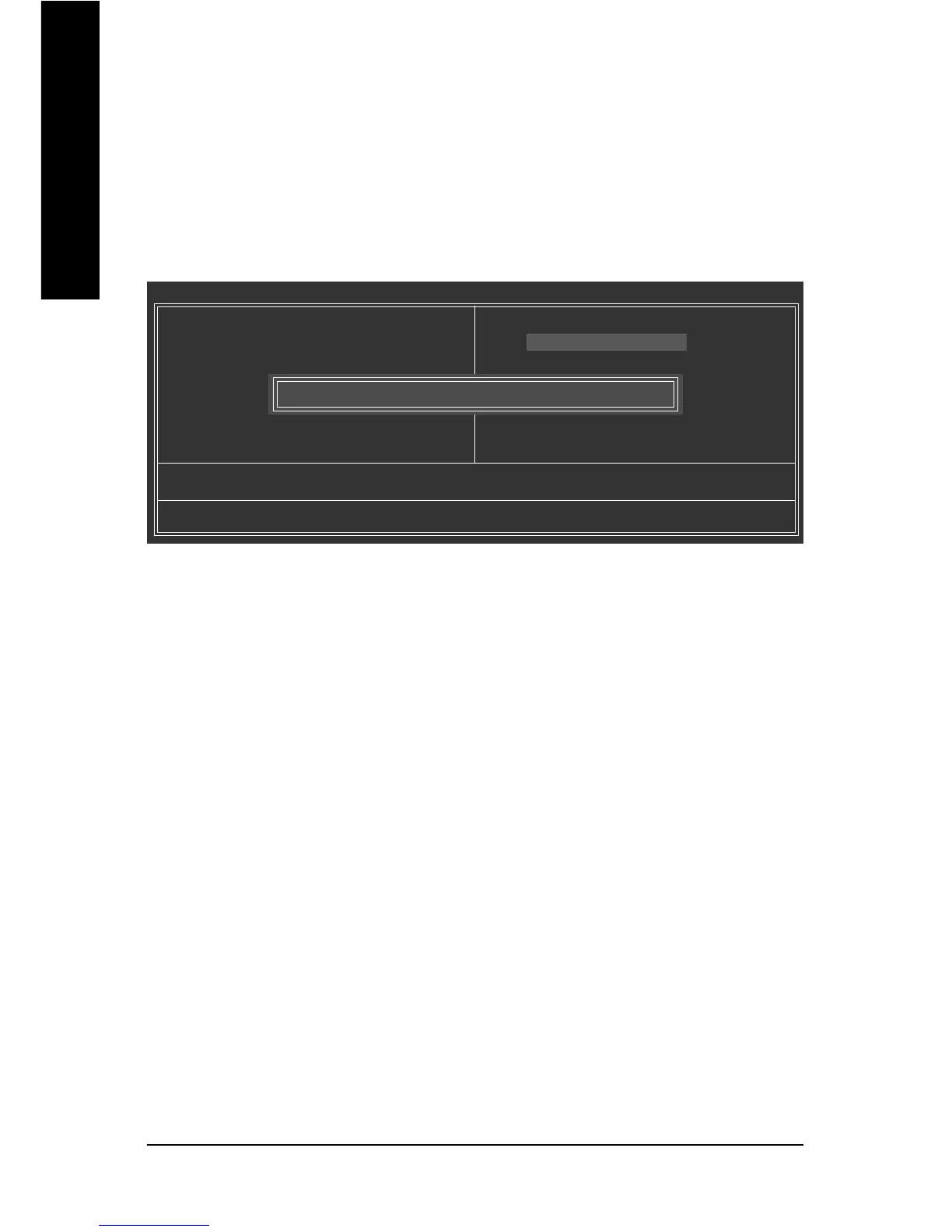
During the POST, press <Delete> to enter BIOS Setup. Select Load Optimized Defaults and press
<Enter> to load BIOS defaults. System will re-detect all peripherals devices after a BIOS update, so we
recommend that you reload BIOS defaults.
CMOS Setup Utility-Copyright (C) 1984-2007 Award Software
` Standard CMOS Features
` Advanced BIOS Features
` Integrated Peripherals
` Power Management Setup
` PnP/PCI Configurations
` PC Health Status
` MB Intelligent Tweaker(M.I.T.)
Esc: Quit KLJI: Select Item
F8: Q-Flash F10: Save & Exit Setup
Load Optimized Defaults
Load Fail-Safe Defaults
Load Optimized Defaults
Set Supervisor Password
Set User Password
Save & Exit Setup
Exit Without Saving
Load Optimized Defaults (Y/N)? Y


 To Next Page
 Loading...