- 9 -
• Move the Control button right ( ) to enter the Input menu. Refer to the
“Selecting the Input Source” section.
Note: To close the Quick Switch menu, move the Control button left ( ).
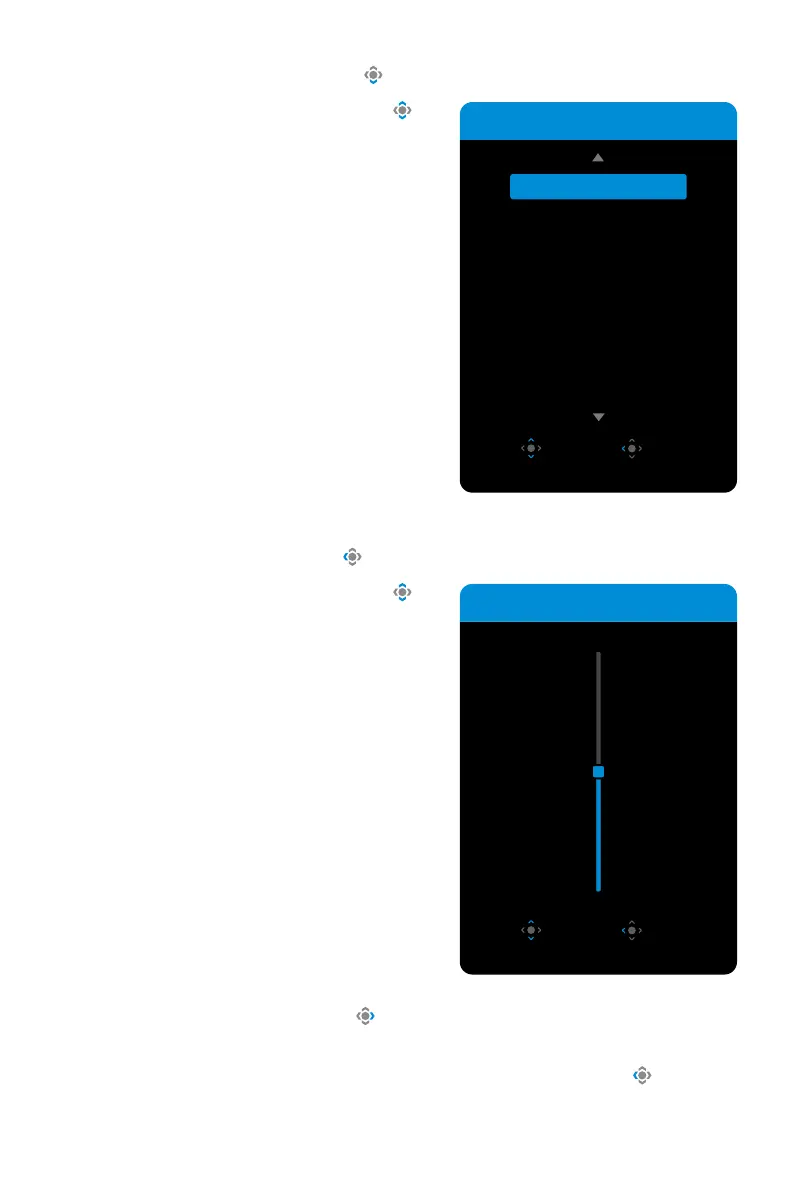
• Move the Control button down ( ) to enter the PictureMode menu.
Move the Control button up/down ( )
to select the desired option and press the
Control button to confirm.
• Move the Control button left ( ) to enter the Volume menu.
Move the Control button up/down ( ) to
select the desired volume and press the
Control button to confirm.
Volume
50
Adjust Exit
Picture Mode
Select Exit
Standard
FPS
MOBA
RPG
Racing



 To Next Page