6
Lombok A150-A150A-A250-A250A / BE-NL en / A31008-M2702-M201-1-3F19 / Lombok.fm / 22.08.2016
Version 4, 16.09.2005
Activating/deactivating the handset
Press and hold the a key to activate or deactivate the handset. If you place a deactivated handset in the base station or
charging cradle, it will automatically activate after approx. 30 seconds.
If you remove the handset from the base station/charging cradle, the display turns off briefly.
Making calls
Making external calls and ending calls
External calls are calls using the public telephone network.
~
(Enter the phone number) ¤ b.
The phone number is dialled. (Or you can first press and hold talk key
b [until you your the dial tone] and then enter
the number.) During the call you can adjust the earpiece volume using
t and set the volume with u.
End the call/cancel dialling: Press the end call key
a.
You can automatically insert a network provider dialling code before any phone number (
¢ S. 6).
Accepting a call
Press the talk key b to accept the call.
When Auto Answer is activated (see menu overview
¢ S. 17), simply remove the handset from the base station/charg-
ing cradle.
Calling Line Identification
When you get a call, the caller's number will be displayed on your handset; the caller's name will be displayed if it is
stored in the directory.
Prerequisites:
1 You have asked your network provider f
or the caller's number (CLIP) to be displayed on your handset screen.
2 The caller has asked the network provider for his/her number to be identified (CLI).
External call appears in the display if you have not requested CLIP, Withheld appears if the caller has withheld CLI, and
Unavailable appears if CLI has not been requested.
Handsfree operation (Gigaset A250/A250A only)
In handsfree mode, you activate the loudspeaker so that you can hear the caller without having to hold the handset to
your ear. During a call and when listening to the answer machine (Gigaset A250A only) you activate or deactivate hands-
free mode by pressing the handsfree key
d.
For instructions on adjusting the handsfree mode volume see menu overview
¢ S. 16.
Automatic network provider preselection
You can store a call-by-call number (preselection number), which is automatically placed in front of numbers when you
dial them. If, for example, you wish to make international calls via special network providers, you can save the relevant
dialling code here.
In the "With Preselect" list, specify the dialling codes or the first digits of the dialling codes that you wish to assign to the
p
reselection number.
Please note
If your phone receives the date and time during calling line display (e.g., via your network provider, a router or PABXs),
you can
specify whether this data should be copied to your phone:
¤ Press the key sequence: MENU ¤
P#Q5#MI
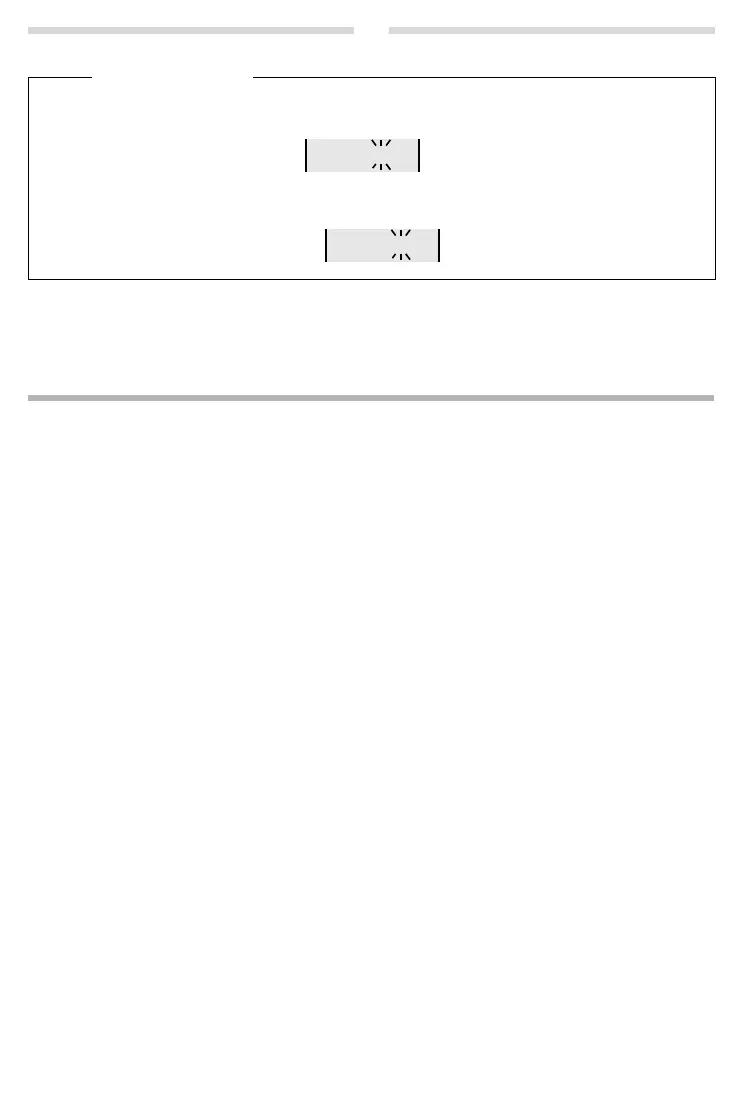
The following is displayed;
the current setting flashes:
¤ Press one of the following keys to specify, when this data should be copied to your phone:
Q Never
or
1 Once, in case the date/time is not set on your phone
or
2 Always
Your selection is displayed (e.g. 2 for "Always"):
¤ Press the display key OK.


 To Next Page