52
Gigaset C430-C430A-C530-C530A / LUG - UK-IE / A31008-M2502-L101-2-7619 / symbols.fm / 8/23/13
Template Borneo, Version 1, 21.06.2012
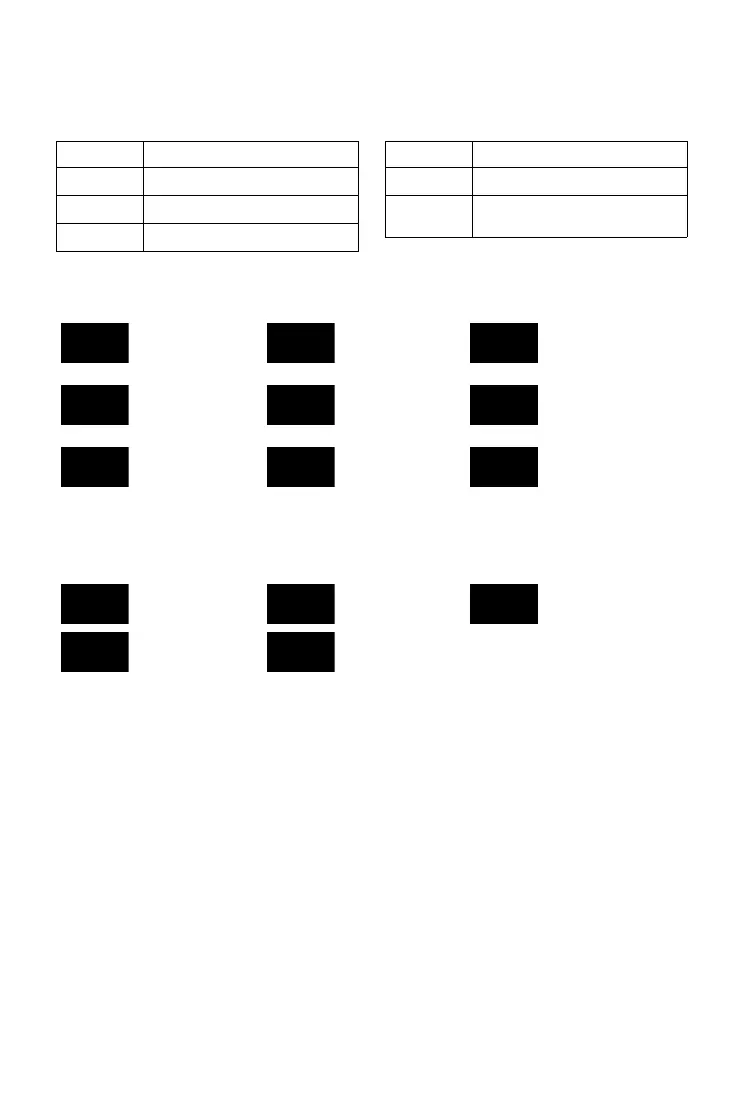
Display icons
Display key icons
The following icons indicate the current function of the display keys according to the operating
situation:
Display icons for signalling of
Other display icons
Icon Action
Ò
Last number redial
Ñ
Deleting text
ö
Opening phonebook
Ó
Copy number to the phonebook
Ô
Forwarding a call to the answer
machine (only C430A-C530A)
Icon Action
Establishing a call
(outgoing call)
Connection
established
No connection
established/connection
terminated
External call Internal call Reminder call for
anniversary
Reminder call for
appointment
Alarm call Answer machine
recording
(only C430A-C530A)
Information
(Security) prompt Please wait...
Action complete
(green)
Action failed (red)



 To Next Page