4
en
gaset
510
1 en
30054-
6530-
101-3-7
19
510_en.
m
17.01.2012
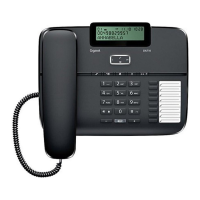
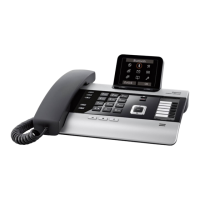
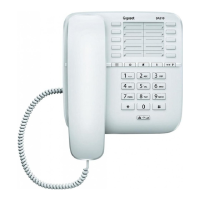
Programmable direct dial keys
You can save 20 phone numbers on
10 programmable direct dial keys
(each key can take two numbers,
each with up to 32 digits).
Note: You can also use the program-
mable direct dial keys as function
keys for network services
(
£ page 8).
Storing a number
c K Lift the handset, press
the set key.
Either
B Press a direct dial key
(for the first 10 num-
bers)
or
L B Press the shift key and
a direct dial key (for a
further 10 numbers).
~ Enter the phone
number.
You can now store further numbers
by pressing the programmable
direct dial key, or the shift key and
programmable direct dial key, and
repeating the process.
K & Press the set key, hang
up the handset.
During a call
You can also save the number of the
person you are talking to during a
call:
K B Press the set key, press
a direct dial key.
~ Enter the phone
number.
K Press the set key.
Dialling a number
c B Lift the handset, press
a programmable direct
dial key.
or
c L B
Lift the handset, press
the shift key and one of
the programmable
direct dial keys.
You can extend the dialled number
by entering additional digits.
Deleting a number
c K Lift the handset, press
the set key.
B Press the relevant pro-
grammable direct dial
key either on its own or
L B with the shift key.
K & Press the set key, hang
up the handset.
For how to delete the contents of all
programmable direct dial keys,
£ page 9.
Notes
When storing and deleting program-
mable direct dial numbers, please
note the following:
u
* and # are saved regard-
less of the set dialling mode but
are only dialled with tone dial-
ling mode (
£ page 7).
u If the number entered is longer
than 32 digits, only the first 32
digits are stored.
Dialling pauses
One or more dialling pauses can be
entered using
I (not at 1st digit).
Pauses are transferred to the mem-
ory and are necessary for certain
extension systems (e.g. 0
I 2368).
The length of the pause can be set to
1, 3 or 6 seconds (
£ page 9).


 To Next Page