5
• Press to play/ pause.
•
M: press MENU to reveal toolbar.
• Press
or to rotate a photo.
• Press
or to skip to the next/ previous photo.
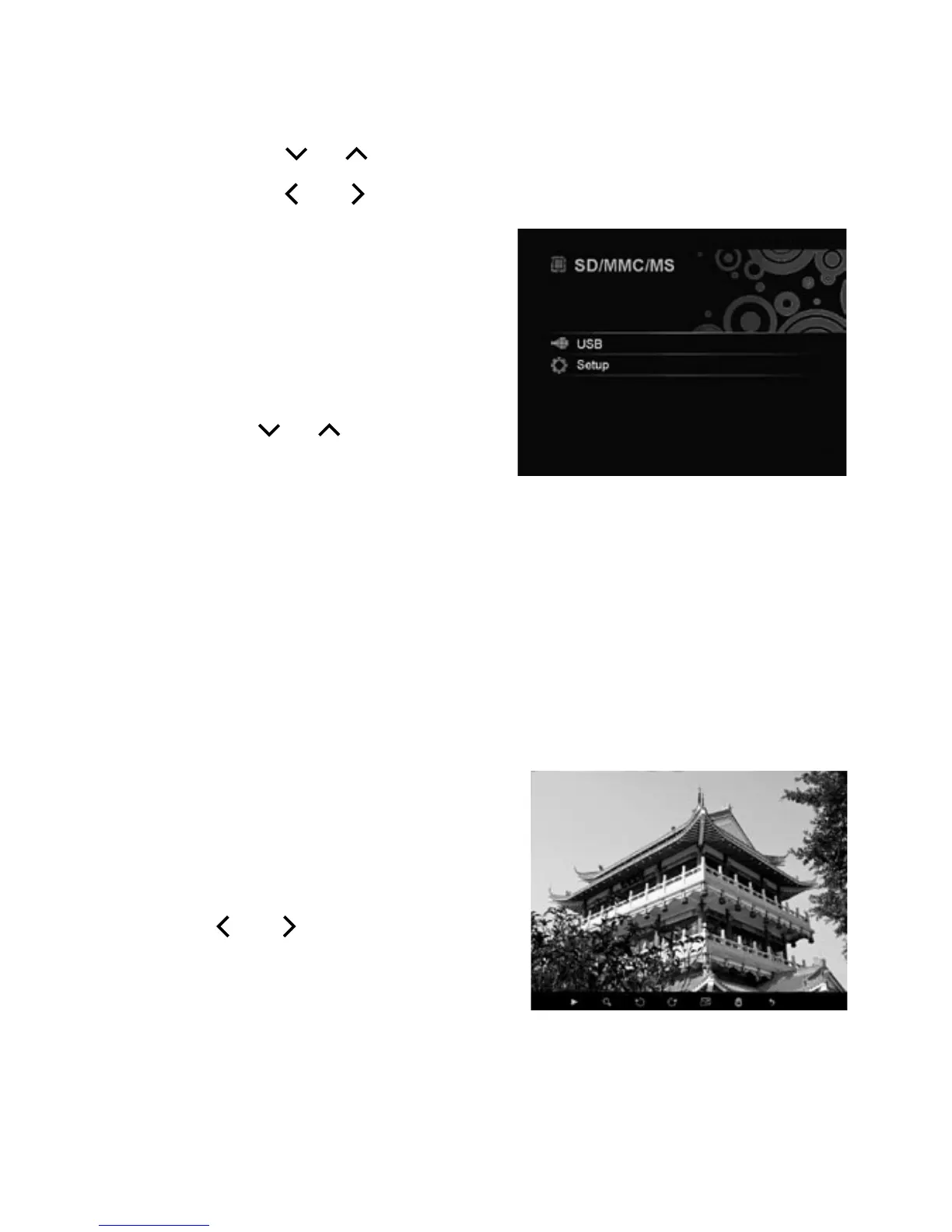
5. If you are using both a
memory card and a USB
device, press and hold
until the menu appears
showing SD/MMC/MS and
USB. Use the navigation
buttons or to select a
source. Press to confirm
and enter thumbnail mode.
Press again to start slideshow.
n Note: The demo photo appears if no memory card or
USB device is connected. To exit demo photo mode, either
insert a card or USB device, or press or MENU.
4 Use the Toolbar
1. Press to pause viewing a photo or slideshow. The pause
icon appears.
2. Press
MENU. The toolbar
appears on the bottom of the
screen.
3. Use or and to navigate
and select a toolbar option.
Then press again to:
Pause or resume slideshow.
´ Magnify a photo.
Rotate a photo clockwise.


 To Next Page