4
2 Power Your Photo Frame
1. Connect the supplied AC adapter to the DC – -C -+ jack and
plug in to a standard household outlet.
2. Slide
ON/OFF to ON to turn on.
3. Select a display language. Use or and to select
and confirm the language. The demo photo appears after
language selection.
n Note: Always unplug the frame and disconnect from the
adapter when the frame is not in use.
3 View Your Photos
1. To load files onto the frame:
•
Insert a memory card into the SD/MMC/MS slot
– OR –
• Connect a USB device containing JPEG files into the
USB HOST port
–OR –
• Insert both a memory card and USB device
2. The frame automatically enters Slide Show mode after
several seconds.
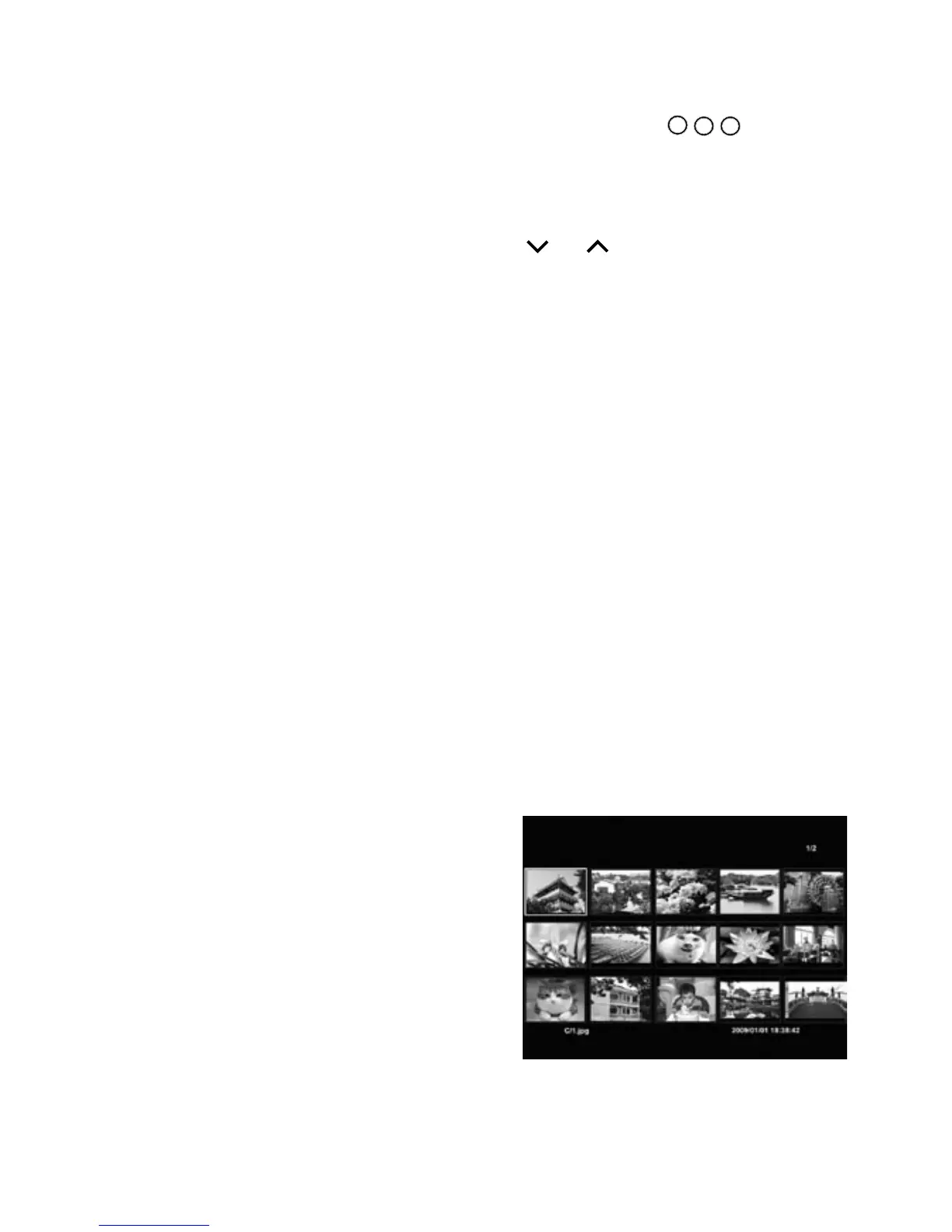
3. Press to enter Thumbnail
mode. Up to 15 photos display
at a time. Use the navigation
buttons to scroll through.
4. To view as a slideshow, select
a photo, then press . The
photo is displayed. Use the
navigation hint bar at the bottom of the screen to control
the show:


 To Next Page