Need help?
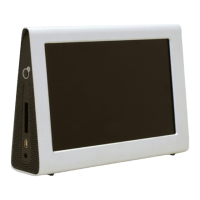
Do you have a question about the GiiNii 7" GN-711W and is the answer not in the manual?
Instructions for connecting the device to power and turning it on for the first time.
Details the location and function of the device's physical buttons for operation.
Solutions for the device failing to power on.
Steps to resolve issues when a memory card is not detected or functional.
Explains the terms, coverage, and process for warranty claims.
Lists items not covered by warranty and procedures for making a claim.
 General
| Brand | GiiNii |
|---|---|
| Model | 7" GN-711W |
| Category | Digital Photo Frame |
| Language | English |

 To Next Page