28
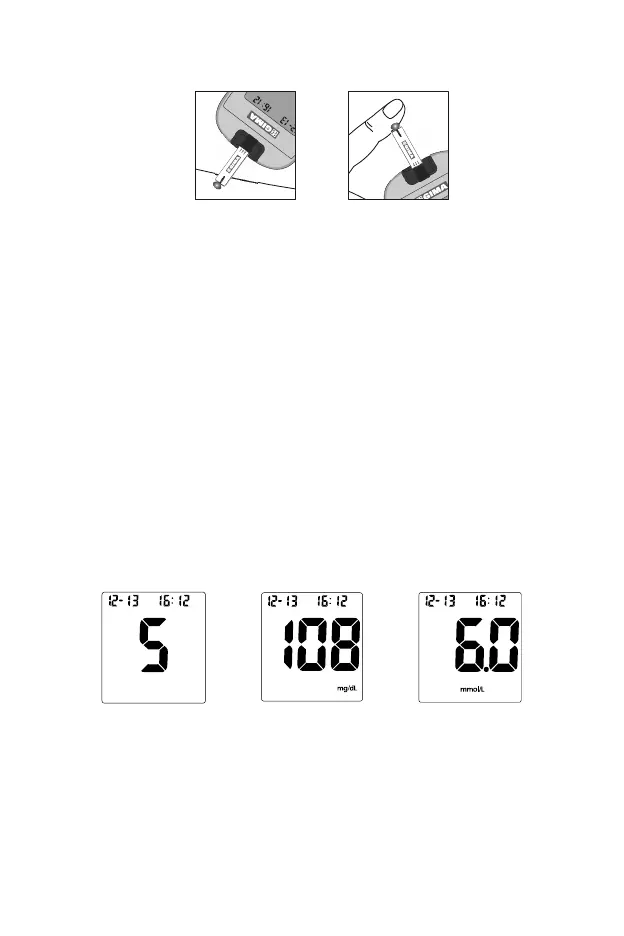
blood within 3 seconds.
DO NOT:
Apply sample to the front or back of the test strip.
Smear the blood drop onto the test strip.
Press your finger against the test strip.
4. The meter will count down from 5 to 1 and then display the measurement
results. If the audio option is on, the meter will also beep to indicate that
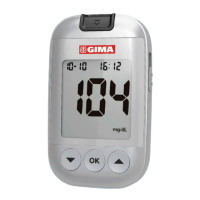
measurement is complete. Then your blood glucose level will display on the
screen, along with the unit measurement, date, and time of the test.
Blood Glucose results are automatically stored in the memory. When the meal
marker feature is turned off and a test result is displayed, to mark invalid
results and to prevent them from being included in the 7, 14, 30, 60 and
90-day averages, press the ▼and▲ button together, when a pound sign (#)
appear on the display, then press OK button. A pound sign (#) means that the
result will not be included when calculating the 7, 14, 30, 60 and 90-day
averages. If a result is marked by accident, press the ▼and▲ button together
and then press the ▼or▲ to unmark the result. After marking the invalid result,
run the test again with a new test strip.
When the meal marker feature is turned on and a test result is displayed, mark
the result as “before meal”, “after meal”, or invalid.
Press the ▼and▲ button together to display the “before meal marker” symbol,
indicating the result was taken before a meal.
Press the ▼or▲ button again to display the “after meal marker” symbol,
indicating the result was taken after a meal.
OR


 To Next Page