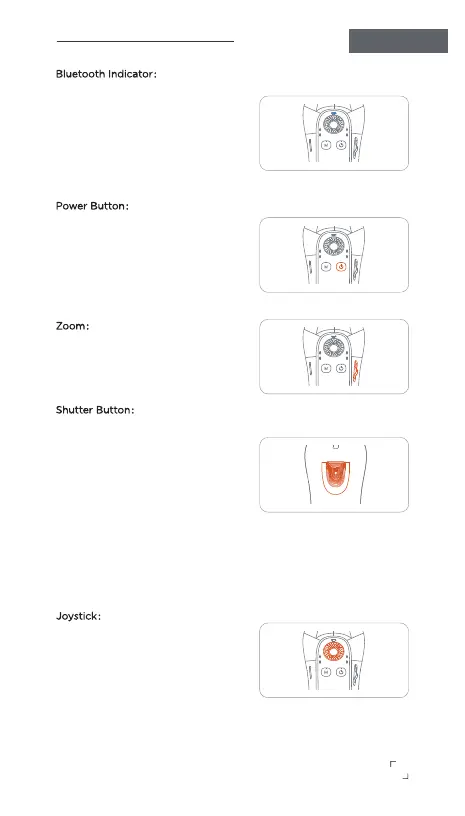
Bluetooth Indicator:
• Slow flashing
—— Bluetooth is not connected.
• Fast flashing
—— Bluetooth is connecting.
• Light is on
—— Bluetooth is connected.
Power Button:
• Single press
—— Switches the device's shooting
mode between horizontal and
vertical modes.
• Long press for 1 second
—— Turns the gimbal on or o.
Zoom:
Zoom in or out the camera view
button up and down.
(Available in Gimbal Pro app after
Bluetooth connection.)
Shutter Button:
• Single press
—— Take a single photo or start/stop
video recording (when Bluetooth is
connected)
• Double press
—— Pause or resume video
recording (when Bluetooth is
connected and the Gimbal Pro app
is in use).
GIMBAL PRO
Operation Instructions
3
• Triple press
—— Capture photos during video recording (when Bluetooth is
connected and the Gimbal Pro app is in use)
Joystick
:
Use the joystick to control the
gimbal's movement in the
left/right/up/down directions.


 To Next Page