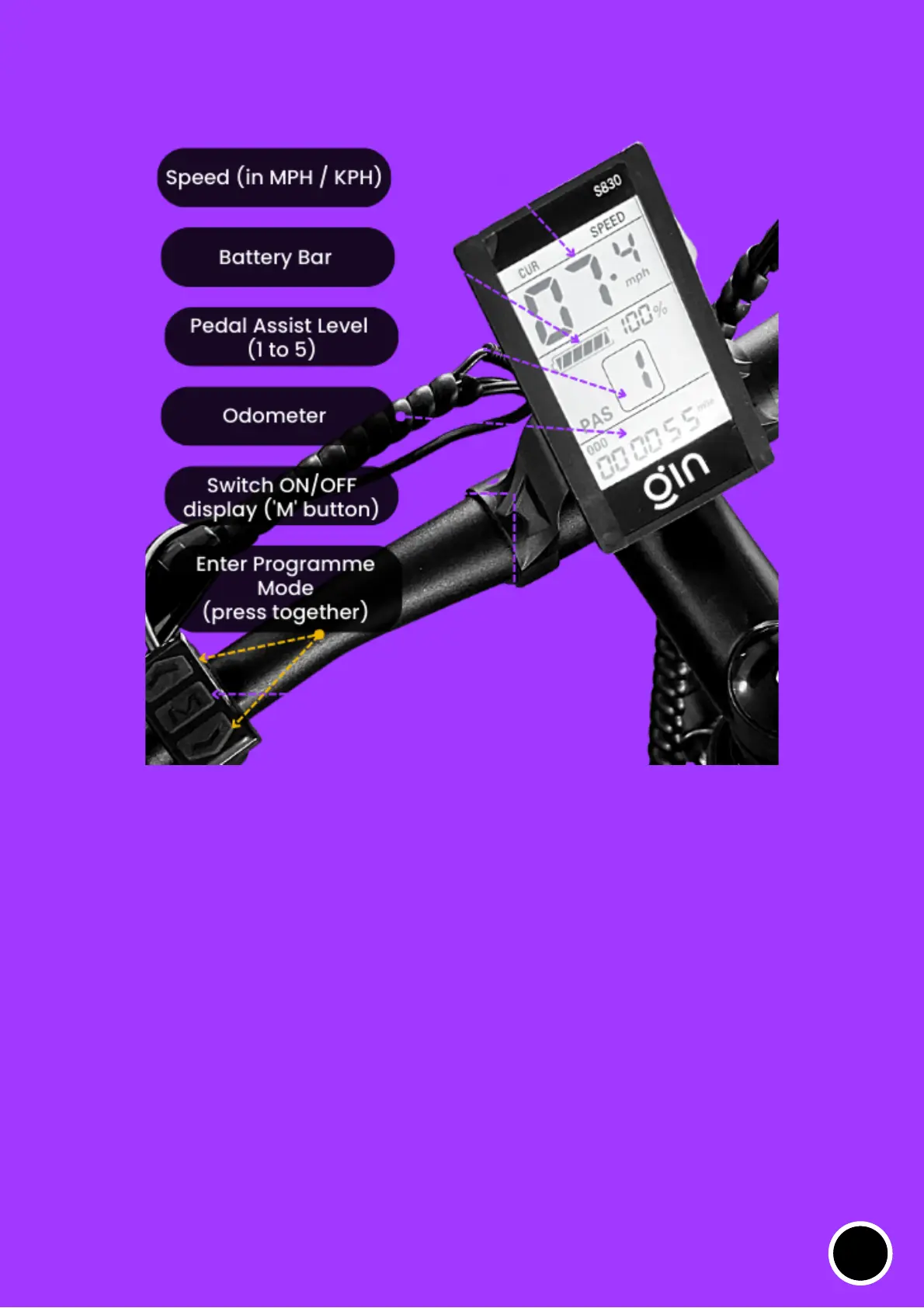
S830 display monitor
Switching ON/OFF the monitor: Press button for 2 seconds
To enter the programme modes (P1 to P17): Press and button
at the same time (Press 'M' to switch to the next programme
mode)
M
^
^
To access to various settings in your display monitor, you can toggle
between several programme modes – P1 to P17. It is important to note
that you should not change the settings very often. Changing the
setting frequently might mismatch (in case if you accidently change
a particular programme mode and save it)
12



 To Next Page