ENGLISH
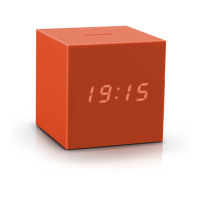
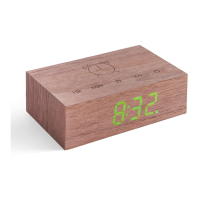
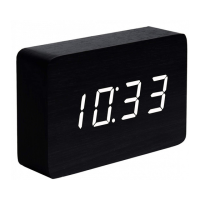
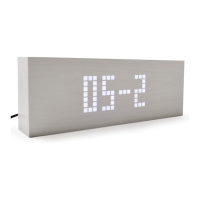
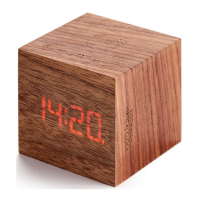
It looks like a plain block of wood, but make a sound (clap your hands or tap on the top) and it will light up instantly with the time, date
and temperature, which display alternately. The clock can be set to display continually or to display for a few seconds when you make a
sound. Press the 'V/S' button at the back to turn on/off the sound activation function. It's strongly recommended to have sound activation
function turned ON to save more energy or save batteries life.
Product Features
Displays Time, Date, and Temperature alternately, and can also be set to display time only
12 and 24 hour formats can be selected (initial mode: 24 hour).
Alarm clock with “beep” sound lasting 1 minute.
5/ 7 days alarm with snooze function
The LED display will be off but the clock will still be running.
Display Instruction
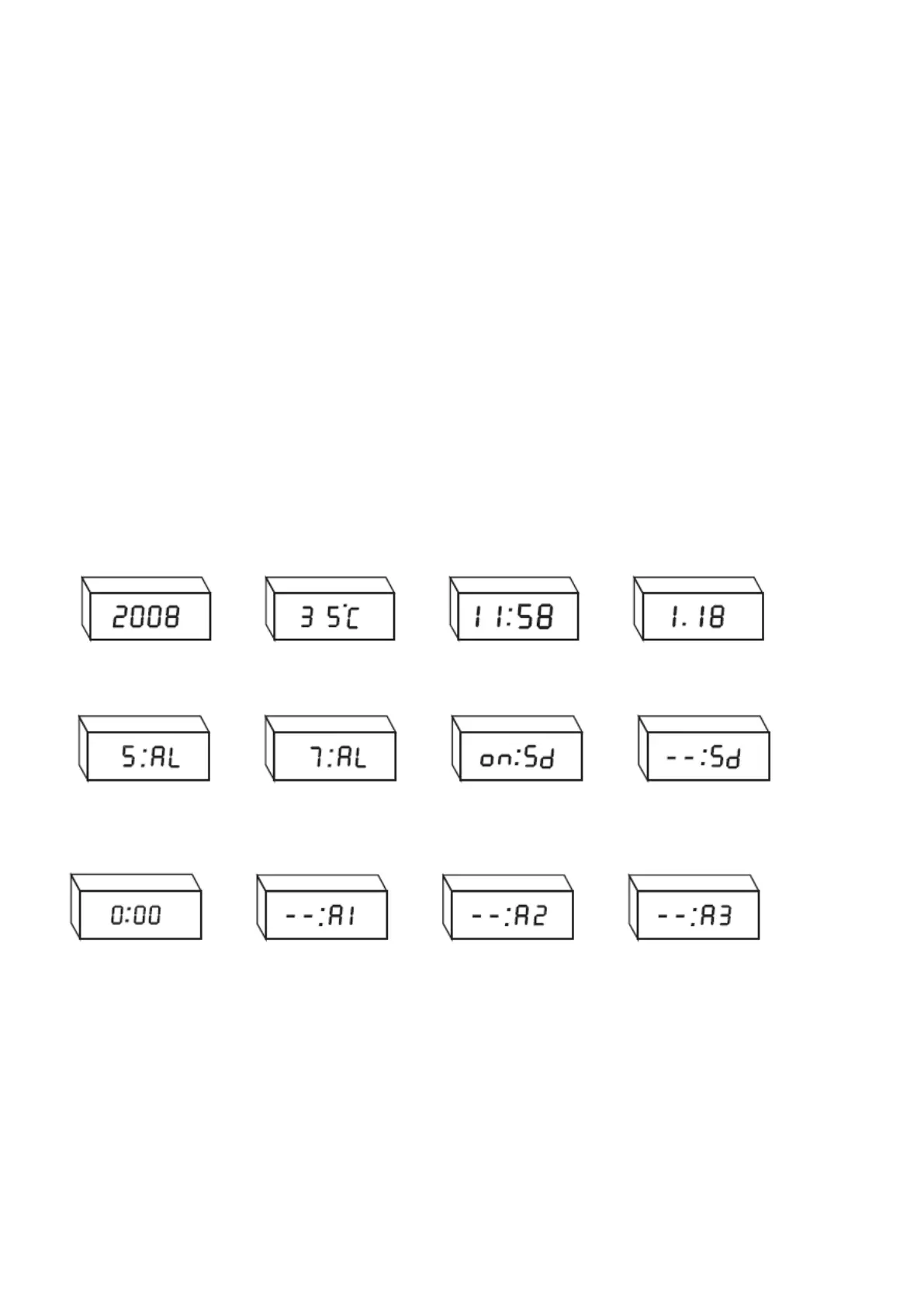
Year Display Temperature Display Time Display Date Display
5 days Alarm Setting 7 days alarm setting Sound Function ON Sound Function OFF
Alarm ON 1
st
Alarm OFF 2
nd
Alarm OFF 3
rd
Alarm OFF
Button Introductions
SET: To access the settings mode.
UP: To change the Time/Date in settings mode. In normal mode to change Temperature Format
DOWN: To change the Time/Date in settings mode. In normal mode to access to Alarm Setting.
V/S: To turn Sound Activation function ON/OFF, and set the Time display only
RESET: To return back to Factory Setting


 To Next Page