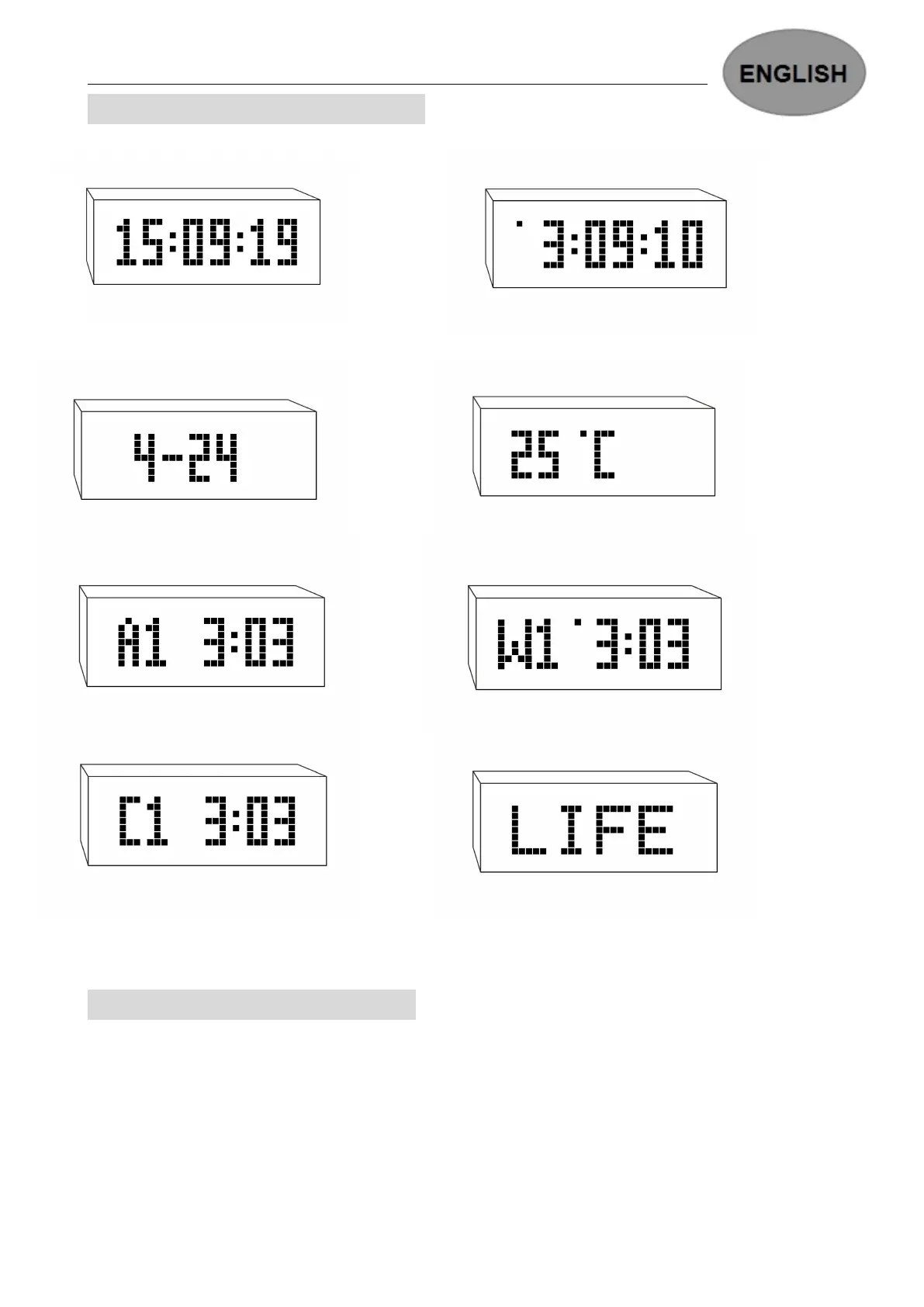
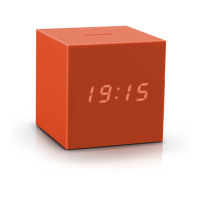
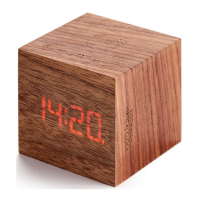
DISPLAY SCREEN INTRODUCTION
24H FORMAT TIME DISPLAY 12H FORMAT TIME DISPLAY
DATE DISPLAY TEMPERATURE DISPLAY
ALARM ON DISPLAY (7 DAYS ALARM SETTING) ALARM OFF DISPLAY (5 DAYS ALARM SETTING)
ALARM OFF DISPLAY MESSAGE DISPLAY
SETTING MENU INTRODUCTION
When in normal display status, press and hold the SET button will access to the main setting
menus, then press UP or DOWN to scroll up or scroll down to select different setting menu.
SWITCH:this menu is for switching to which message that you would like to display of the 7
messages you have stored/input in this clock
Set Alarm Time:this menu is for setting the Alarms.
Adjust Date and Time: this menu is for setting the Date and Time.


 To Next Page