10
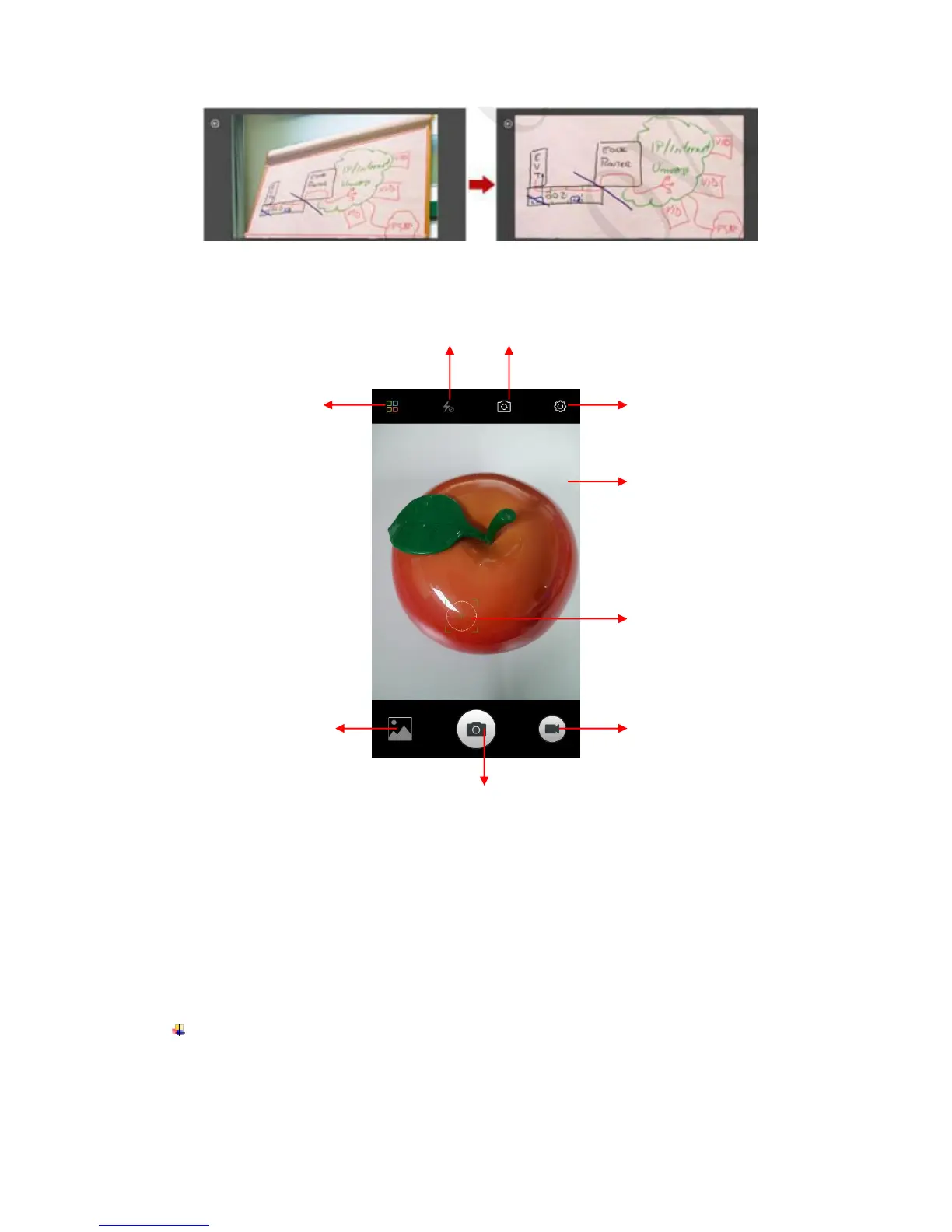
Ultra pixel Take the HD photos in a size of 5 times as larger as the maximum pixel.
Smart scene Change camera mode of night, HDR, fog/flare, auto base on the view.
Shoot a Video
Tap video icon to transfer it.
Adjust the quality and other settings if you wish. Or leave them on automatic mode.
Point the lens to frame the scene where you want to start.
Touch the Start Video icon. Camera starts shooting the video.
Touch Stop video icon to stop shooting. An image from your most recent video is
displayed as a thumbnail at the bottom left
Gallery
Touch the Gallery icon in the Launcher to view albums of your pictures and videos which
you’ve taken with camera. You may share the pictures and videos with your friends by
Messaging, Email, Bluetooth and so on.



 To Next Page