7
5. Communication
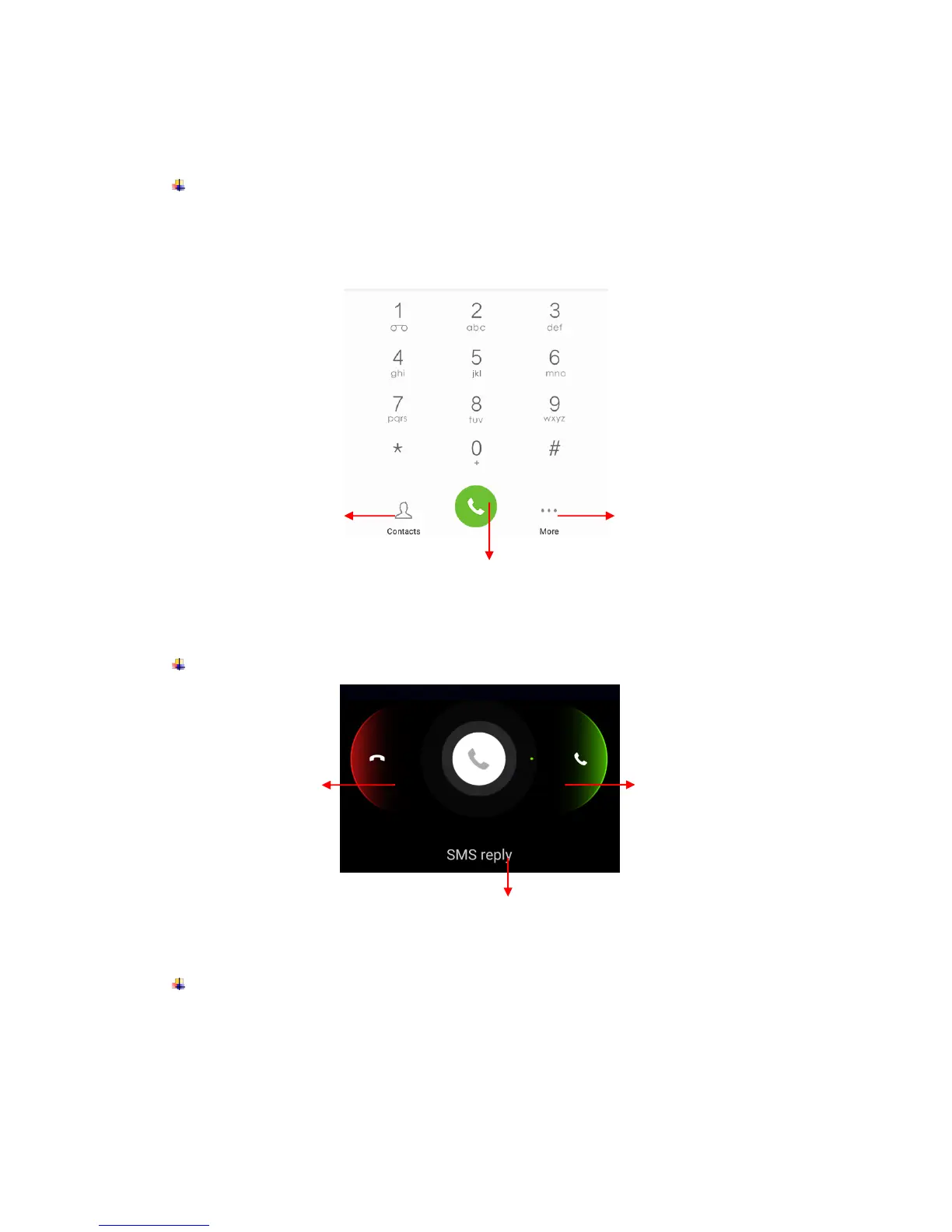
Make a call
Touch the phone icon on the Home screen.
Enter the phone number you want to dial.
Touch the phone icon to dial the number that you entered.
Incoming call
Send a Message
You can use this phone to exchange text messages and multimedia messages with your
friends on their mobile phones. The messages come to and from the same contact or
phone number will be visible into a single conversation, so you can see your entire
message history with a person conveniently.



 To Next Page