16
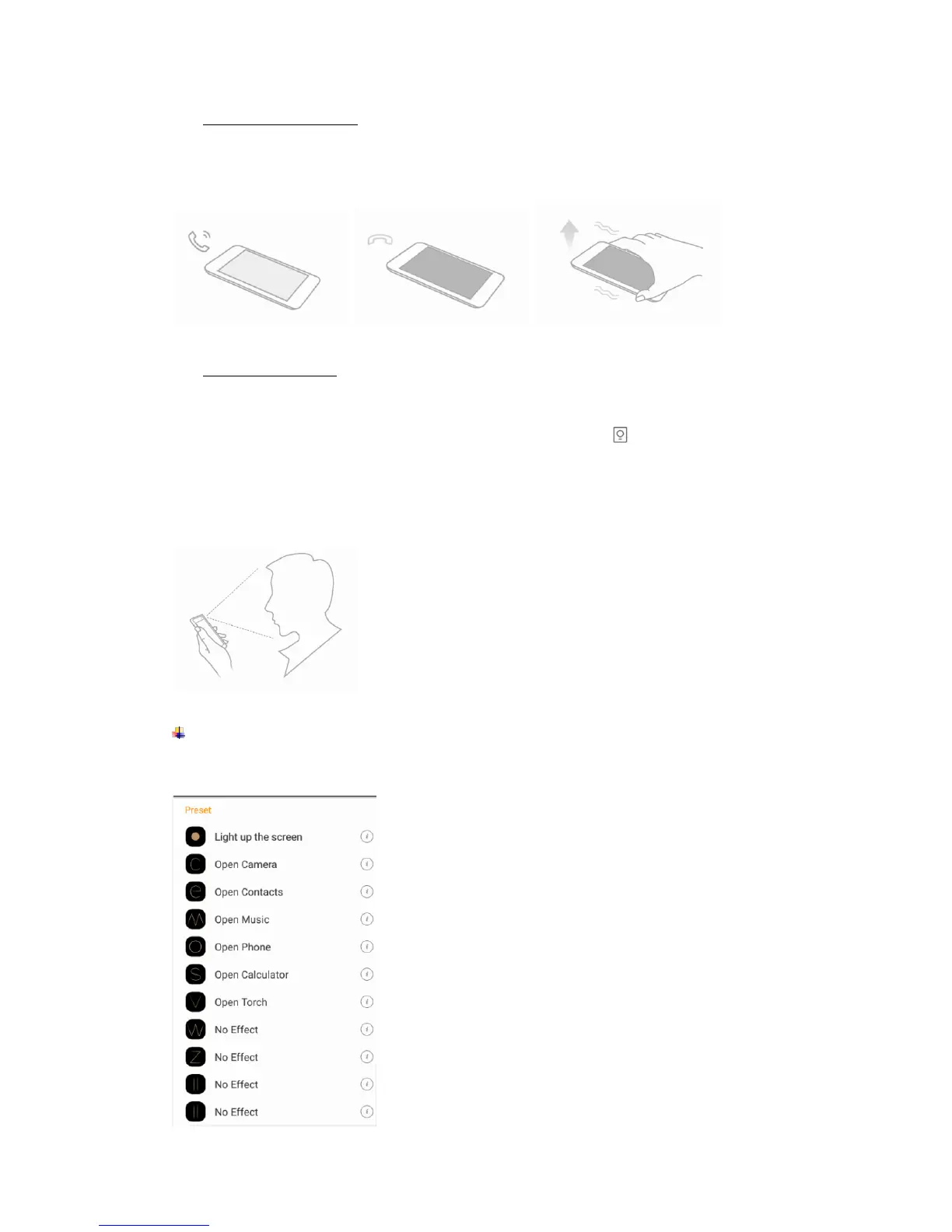
Smart vibration remind
Settings--> Advanced settings--> Smart gestures -->Select Smart vibration remind
Phone vibrate to remind the unread message or missed call notification in sleep mode.
① ②
Smart bright screen
Settings--> Advanced settings--> Smart gestures-->Select Smart bright screen
When front camera detects you are viewing screen, the screen can be maintained
normally. Enable this function, the status bar will display this icon .
The following scenario, the function maybe failure:
-User doesn’t face on the screen
-The light is too strong or too dark
-Front camera in use by other applications
Black screen gestures
Settings--> Advanced settings--> Black screen gestures
Draw pattern to access menu quickly while phone is in sleep mode.



 To Next Page