9
Note:
You can make an emergency call without SIM cards if the locations are available for
the network service. But you should not rely on it for emergencies. It’s also depends
on the local mobile network operator. For more information, please contact with
operator.
Send a Message
You can use this phone to exchange text messages and multimedia messages with your
friends on their mobile phones. The messages come to and from the same contact or
phone number will be visible into a single conversation, so you can see your entire
message history with a person conveniently.
Enter text
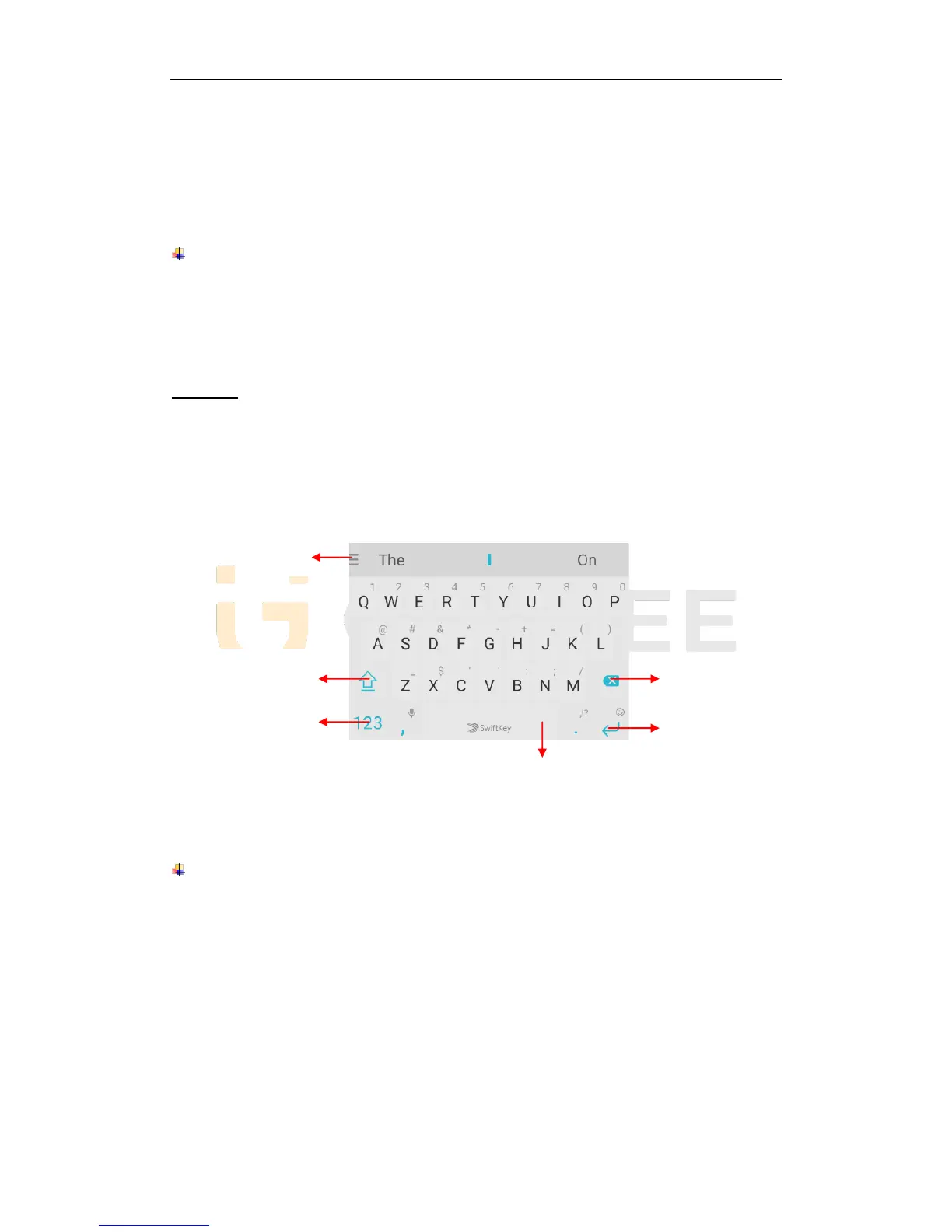
Tap the text field to see onscreen keyboard.
Tap the keys on the keyboard to type; the characters you’ve entered appear in a strip
above the keyboard. With suggestions for the word you are typing to the right.
Use the Delete key to erase characters to the left of the cursor.
When you’re finished typing, press back to close the keyboard.
6. Multimedia
Camera
Camera is a combination of camera and camcorder that you use to shoot and share
pictures and videos. Tap the image on the camera screen where should focus on. You can
also change camera setting like transfer front and rear camera, adjust the exposure on
this screen.



 To Next Page