22
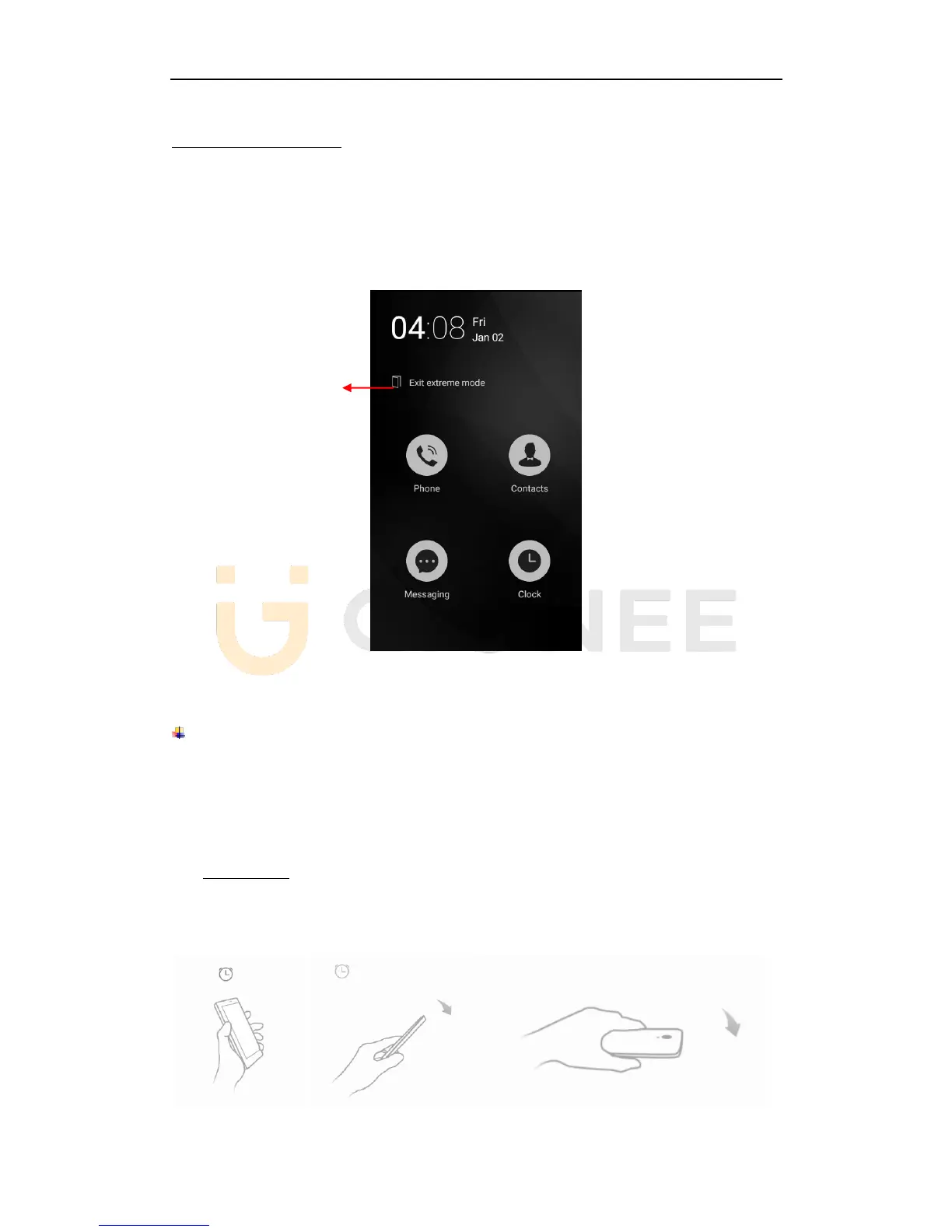
Access to extreme mode
1) Home screen-->Control center-->Tap Extreme mode
2) Home screen-->System Manager-->Power Manager -->Tap Extreme power
saving mode
3) Settings--> Advanced settings --> Manage battery --> Power manager-->Tap
Extreme power saving mode
9. Operation
Smart gestures
Settings-->Advanced settings--> Smart gestures to turn it on.
The smart gestures system supports a variety of experience and control, through gesture
can be more convenient operation, some of the smart gesture functions will not work while
flip cover is closed.
Pause alarm
Settings--> Advanced settings--> Smart gestures -->Select Pause alarm
Flip back the phone to pause the on-going alarm.
① ②



 To Next Page