14
① ②
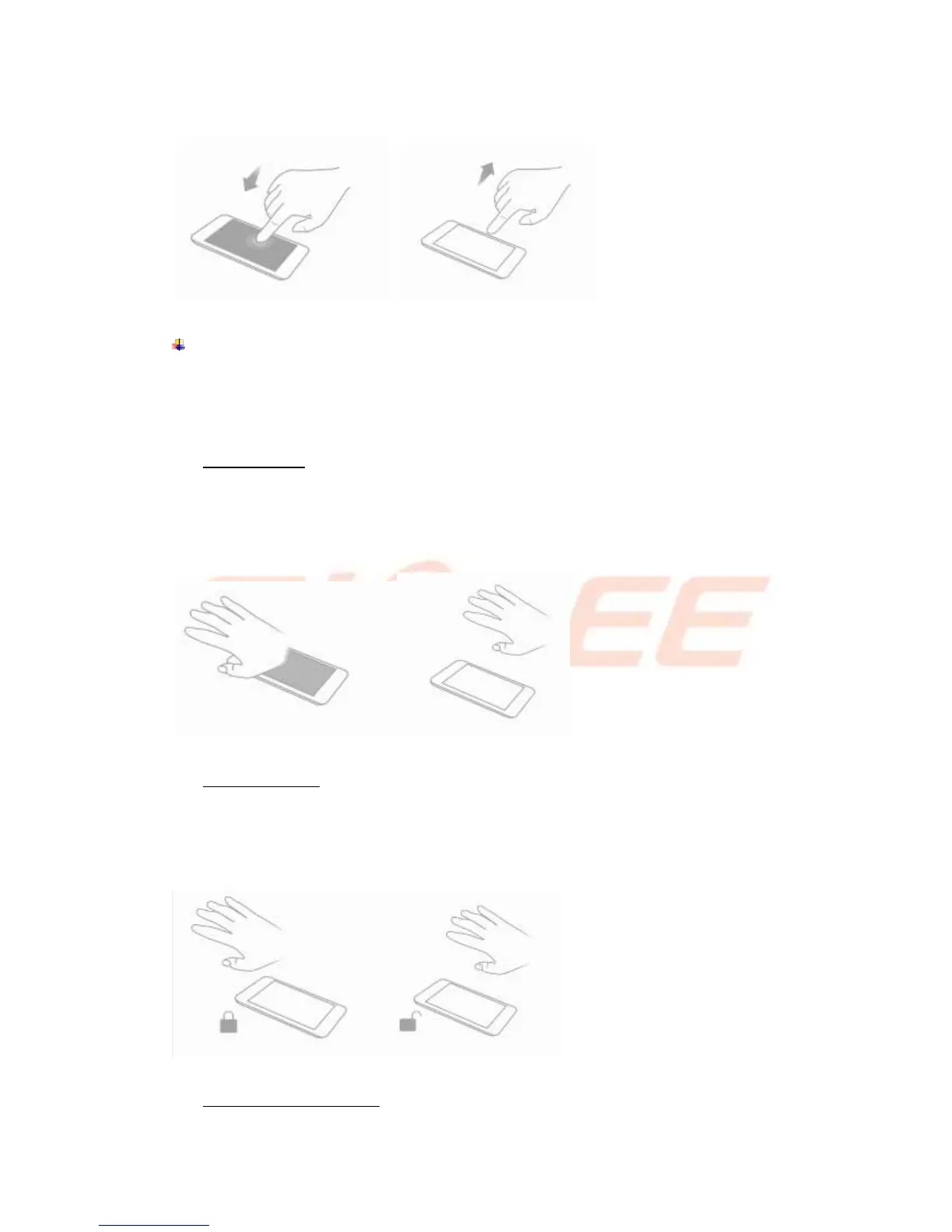
Touchless wake-up
Settings-->Advanced Settings-->Smart Gestures-->Touchless wake-up, check
Touchless wake-up to turn it on.
You can slide to unlock, view image, control volume without touch screen.
Air light screen
Settings--> Advanced Settings--> Smart Gestures-->Touchless wake-up -->Select
Air light screen
In sleep screen, palm wave slowly over the phone can wake up the screen.
① ②
Touchless unlock
Settings--> Advanced Settings--> Smart Gestures-->Touchless wake-up -->Select
Touchless unlock
In sleep screen, palm wave slowly over the phone can unlock the screen.
① ②
Touchless desktop control



 To Next Page