45
ENUSER’S MANUAL BR15
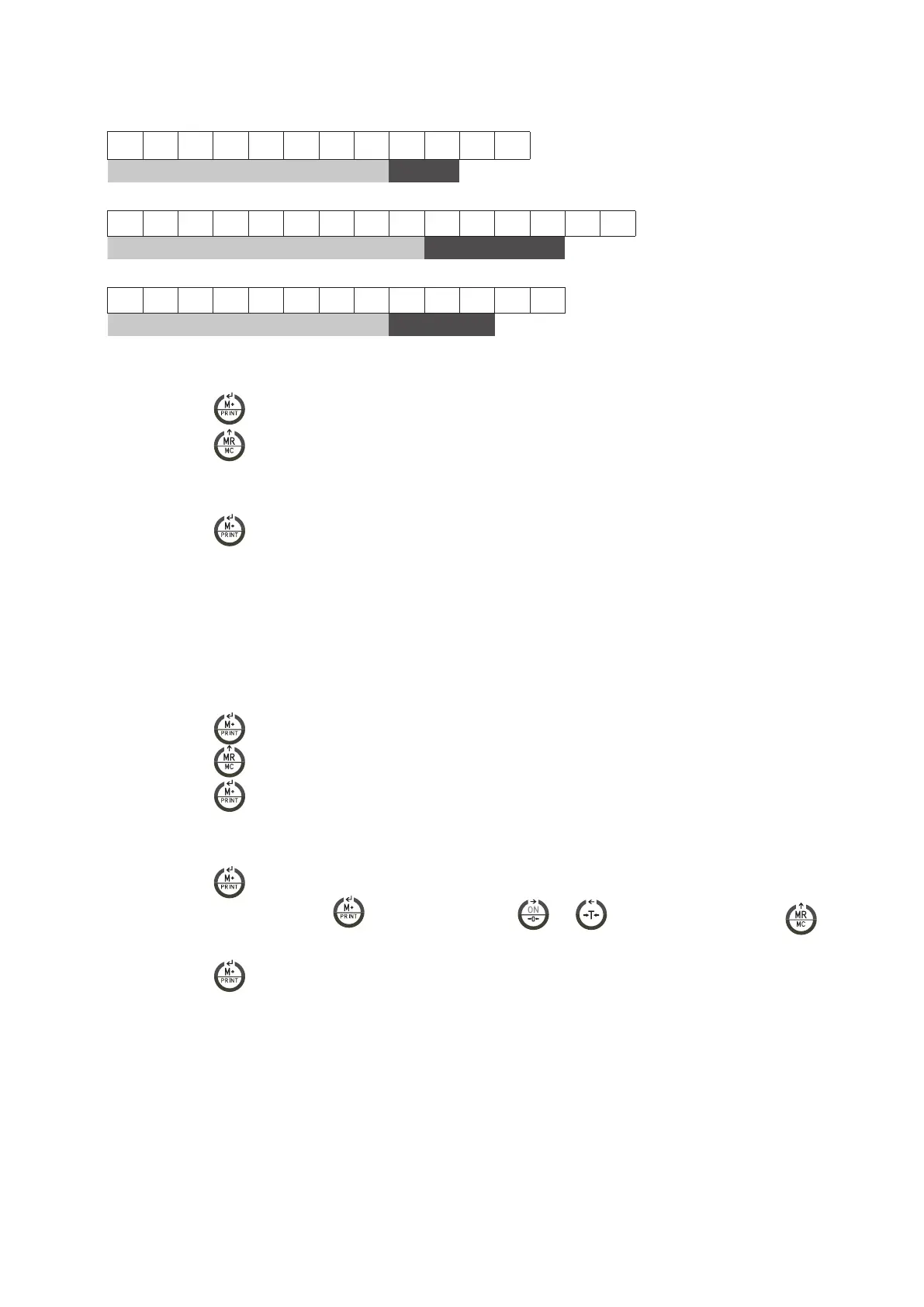
FORMAT 2 (232 4 ~ 6):
12 BYTES ASCII FOR THE UNITIES kg, g, t, lb
1 2 3 4 5 6 7 8 1 2 CR LF
data Unit
15 BYTES ASCII FOR THE UNITIES tl, T, lboz
1 2 3 4 5 6 7 8 9 1 2 3 4 CR LF
data Unit
13 BYTES ASCII FOR THE UNIT pcs
1 2 3 4 5 6 7 8 1 2 3 CR LF
data Unit
8.7 CONFIGURATION OF THE SPEED OF THE CONVERTER |UF-7
1. Press the key
to access the parameter.
2. Press the key
to choose the desired mode:
• Mode 1 : Normal
• Mode 2: Fast
• Mode 3: Slow
3. Press the key
to confirm.
8.8 BLIND|
UF-8
It appears 0 on screen until the next division is selected. It starts to show values from that division.
Example:
Scale with e =2g
Blind in 5 divisions
It will show 0 until it reaches 25= 10 g, the first value it will show will be 12g.
1. Press the key
to access the parameter.
2. Press the key
to select.
3. Press the key
to confirm..
8.9 CONFIGURATION OF GRAVITY|UF-9
1. Press the key
to view the value of the actual gravity.
2. To change the value, press the key , next you must use the key
and to move the cursor and the key
to
select the desired number.
3. Press the key
to confirm.



 To Next Page