ENUSER’S MANUAL BR16
60
9. CONFIGURATION OF THE READJUSTMENTS IN CALIBRATION
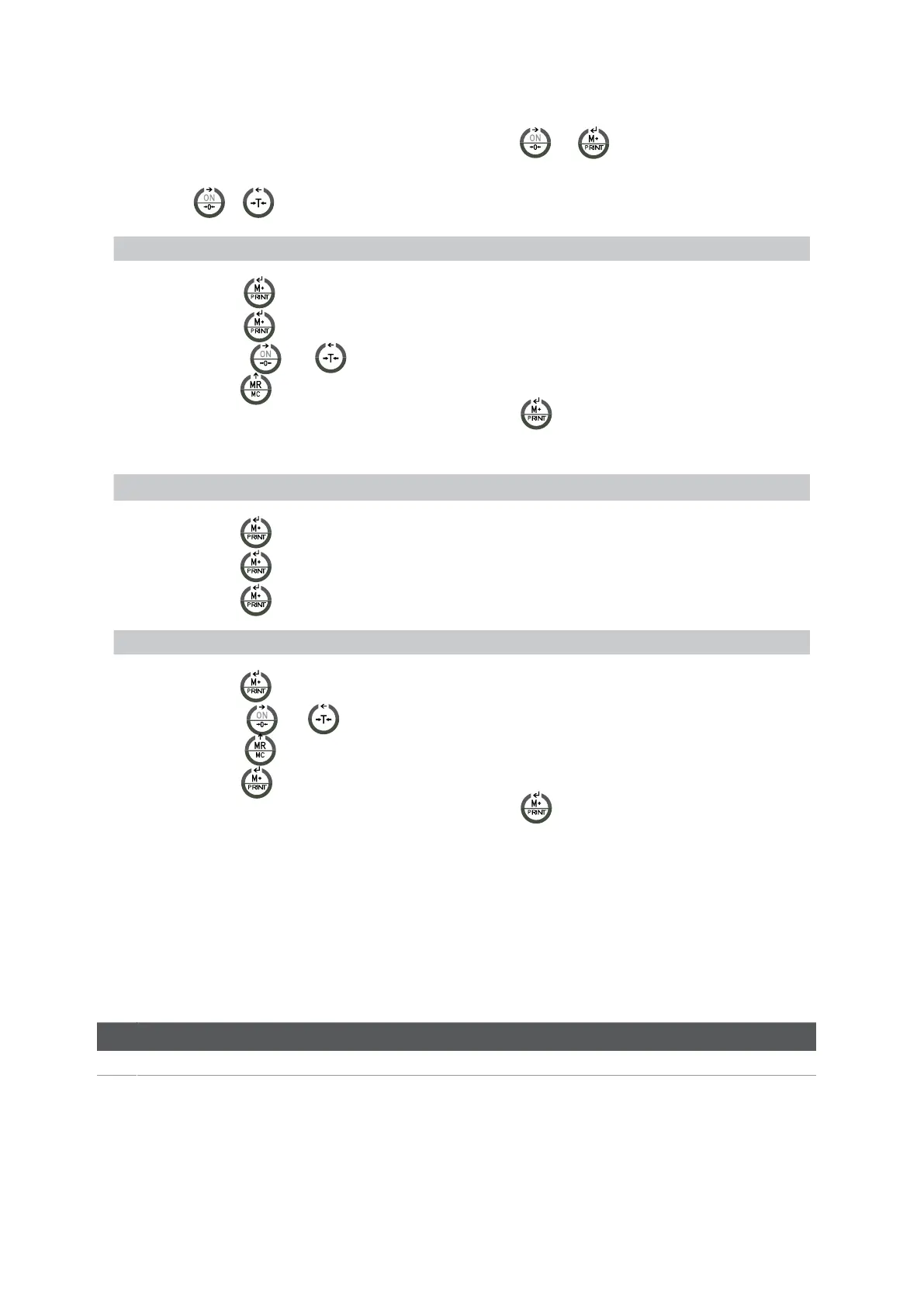
1.Whentheuserisinthenormalmodeofweighing,hemustpressthekeys
and ,themessageECF-1 is going to appear on the
display.
2.Pressthekeys
or to select the desired function: ECF-1, ECF-2 or ECF-3
* ECF-1 CALIBRATION OF ZERO + WEIGHT
Pressthekey ,thedisplaywillshowCALZ.
Pressthekey ,toputthereadingofthedisplaytozero.
Pressthekeys
and to move the cursor.
Pressthekey tointroducethevalueoftheweightofcalibration.
Placetheweightofcalibrationontheplatformandpressthekey to do the calibration once the reading is
steady.
* ECF-2 CALIBRATION OF ZERO
Pressthekey ,thedisplaywillshowCALZ.
Pressthekey ,toputthereadingofthedisplaytozero.
Pressthekey ,tocalibration.
* CALIBRATION OF WEIGHT (SPAN)
Pressthekey ,thedisplaywillshowthevalueoftheweightofcalibration.
Pressthekeys
and to move the cursor.
Pulsar la tecla tomodifythevalueoftheweightofcalibration.
Pulsar la tecla
to confirm.
Placetheweightofcalibrationontheplatformandpressthekey
to do the calibration once the reading is
stable.
10. TECHNICAL PARAMETERS
DONOTMODIFYTHETECHNICALPARAMETERSIFITISNOTSTRICTLYNEEDED.ABADCONFIGURATIONOFTHISSECTIONCAN
CAUSEAWRONGFUNCTIONINGOFTHESCALE.
ENTRANCE AND EXIT OF THE CALIBRATION
DISPLAY DESCRIPTION AND SEQUENCE OF USE



 To Next Page