61
ENUSER’S MANUAL BR16
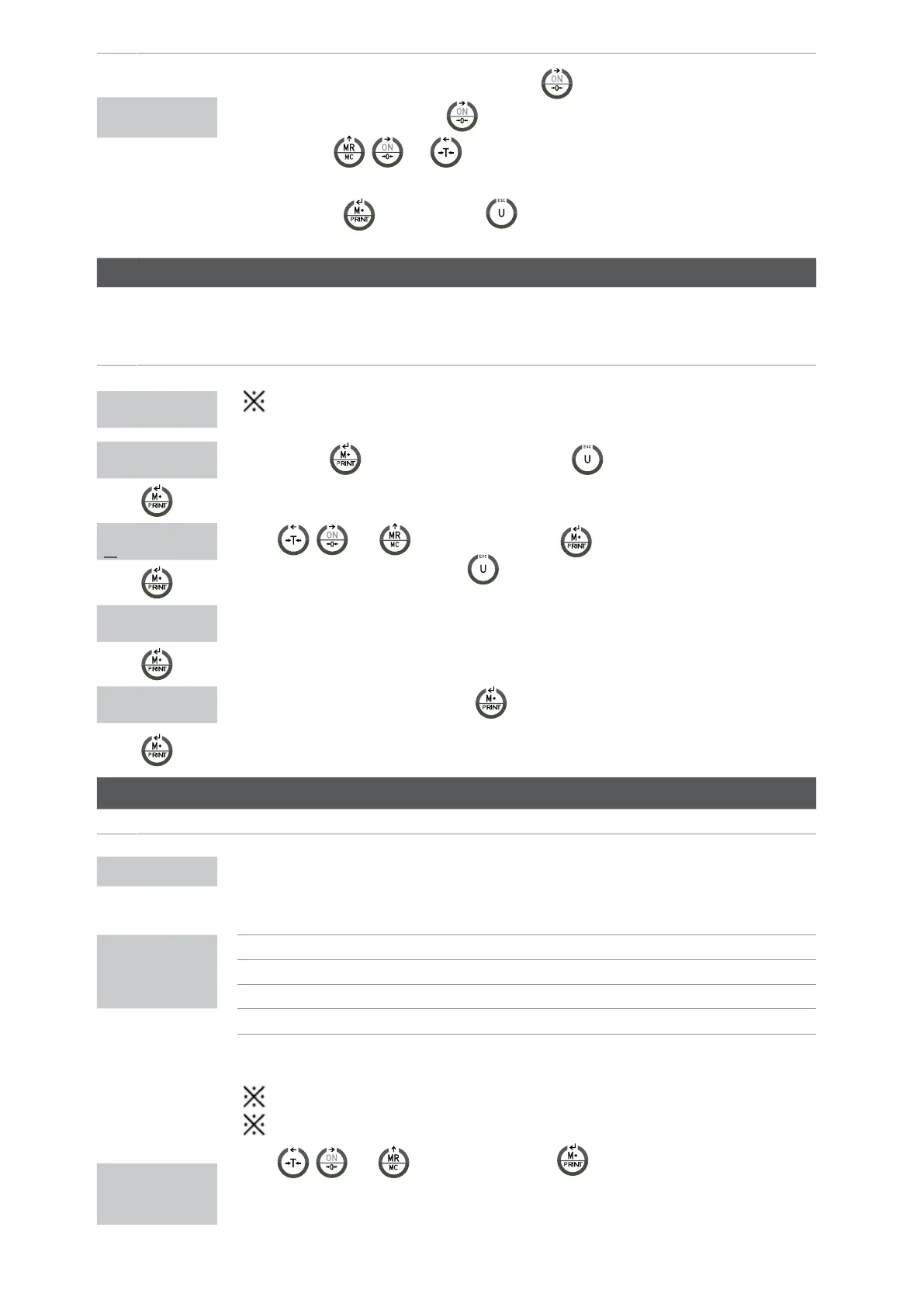
• Withthevisorswitchedoff,pressandholdthekey
until the message P000,appearsonthe
screen,thenyoucanreleasethekey
.
•Withthekeys ,
and introduce the code 0020.
•Pressthekey
tostartorthekey toexitthemenuandtheindicatorwillbeginagain
automatically.
LF 1
CALIBRATION OF THE WEIGHT LF 1
DISPLAY DESCRIPTION AND SEQUENCE OF USE
Thecalibrationcanbedonewithanyweight,buttheweightcanotbeinferiorto1/100ofthemaxi-
mumcapacityanditmustalsoneverbeexceeded.
•Pressthekey tostartthecalibrationofzero(press Toexitthecalibrationandgobackto
themenuLF1)
LF 1
CAL Z
150.00 kg
•Use , and ,0 ~ 9 and then press tointroducetheweightwithwhichthe
calibrationwillbedone.(pressthekey
toexitthecalibrationandgobacktothemenuLF1)
150.00 kg
•Placetherequiredweightonthescaleasitisindicatedinthedisplay.
150.00 kg
•Onceeverythingissteady,pressthekey tocalibrateit(pressthekeyESCtoexitthecalibration
andgobacktothemenuLF1).
THECALIBRATIONISGOINGTOFINISHANDTHESCALEWILLGOVACKTOTHEWEIGHINGMODEAUTOMATICALLY.
CONFIGURATION LF 2
DISPLAY DESCRIPTION AND SEQUENCE OF USE
FIRST STEP
•DISPLAYOFTHEINTERNALCOUNTING
262144
SECOND STEP
•POSSIBLEVALUESOFTHEPARAMETERS
A:Metricsystem 0:NO 1: kg 2:T 3:g
1 0 0 0 0 1
B:Americansystem 0:NO 1: lb 2:lboz
C: other unities 0:NO 1:TWkg 2:HKkg 3:VISS
D:PCS 0:OFF 1:ON
A B C D E F
E: double range 0:OFF 1: multi interval 2:multi range
F:unitsofcalibration
1:use metric
unities
2:use american unities
lbozcannotbeselectedasunitiesofcalibration.
Thescalewon’tletuscontinueuptothenextstepifthereisamistakeduringtheprogramming.
THIRD STEP
•Use , and ,0 ~ 9 and then press tointroduceTHEMAXIMUMCAPACITY,
consideringthenumberofdecimalzerostobeused.Ex.150.00kg=introduce15000ifthenselected
as decimal
d0.00
000000kg


 To Next Page
 Loading...



