63
ENUSER’S MANUAL BR16
LF4
•Pressthekey tostartorthekey toexitfromthemenuandthescaleisgoingtobegin
againautomatically.
SPEED 1
•Usethekey andthenthekey toselectthespeedoftheADconverter(pressthekey
toexitfromtheconfigurationandgobacktothemenuLF4)
LF 4
•Usethekeys , and then Tocontinuewiththeotheradjustmentandpressthekey
toexitfromthemenuandthescalewillstartagainautomatically.
BLINF LF 5
DISPLAY DESCRIPTION AND SEQUENCE OF USE
ZP 0OFF
ZP 1Onedivisionwillnotshowbeingatzero
ZP 2Twodivisionwillnotshowbeingatzero
ZP 3Threedivisionswillnotshowbeingatzero
ZP 4Fourdivisionswillnotshowbeingatzero
ZP 5Fivedivisionswillnotshowbeingatzero
*ThisfunctionisgoingtobeblockedwhenUF-5isinmodeHOLD1
*ThevalueoffactoryisZP0
LF 5
DISPLAY DESCRIPTION AND SEQUENCE OF USE
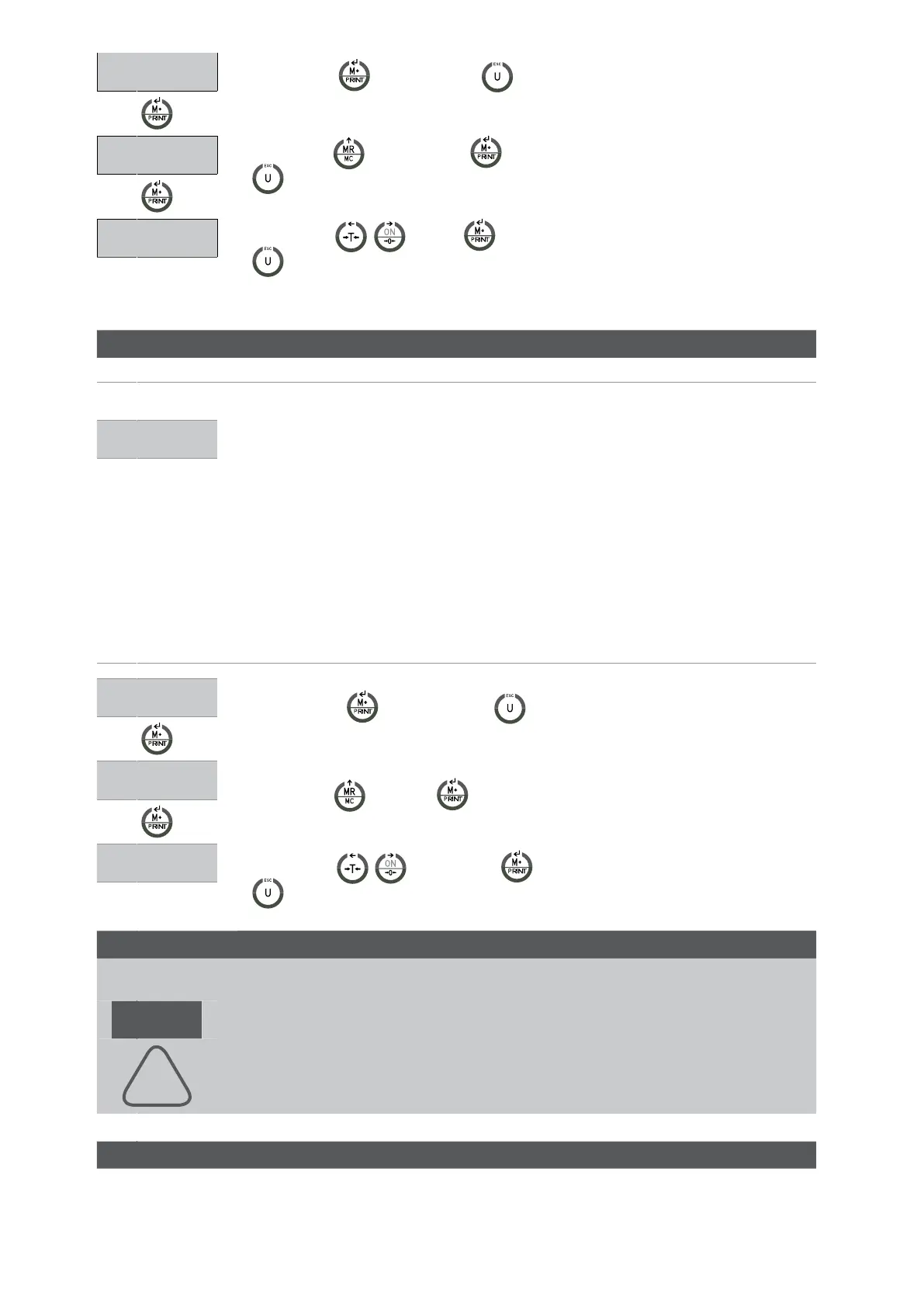
•Pressthekey tostartorthekey toexitfromthemenuandthescalewillstartagain
automatically.
LF 5
ZP 0
• Usethekey andthekey toselecthowmanydivisionswillshowwheninzero(press
ESCtoexitfromtheconfigurationandgobacktothemenuLF4)
LF 5
• Usethekeys , andthenthekey tocontinuewithotheradjustmentorpressthekey
toexitfromthemenuandthescaleisgoingtostartautomatically.
APPROVAL CONFIRMITY LF 6
DISPLAY DESCRIPTION AND SEQUENCE OF USE
nonE Version not approved
DON’T MODIFY, IN NO WAY, THIS PARAMETER. IT MUST ALWAYS BE CONFIGURED AT
nonE.
Thechangeofthisparameterimpliestheblockingofsomefunctionalities.
LF 6
!
GRAVITY LF 7


 To Next Page
 Loading...



