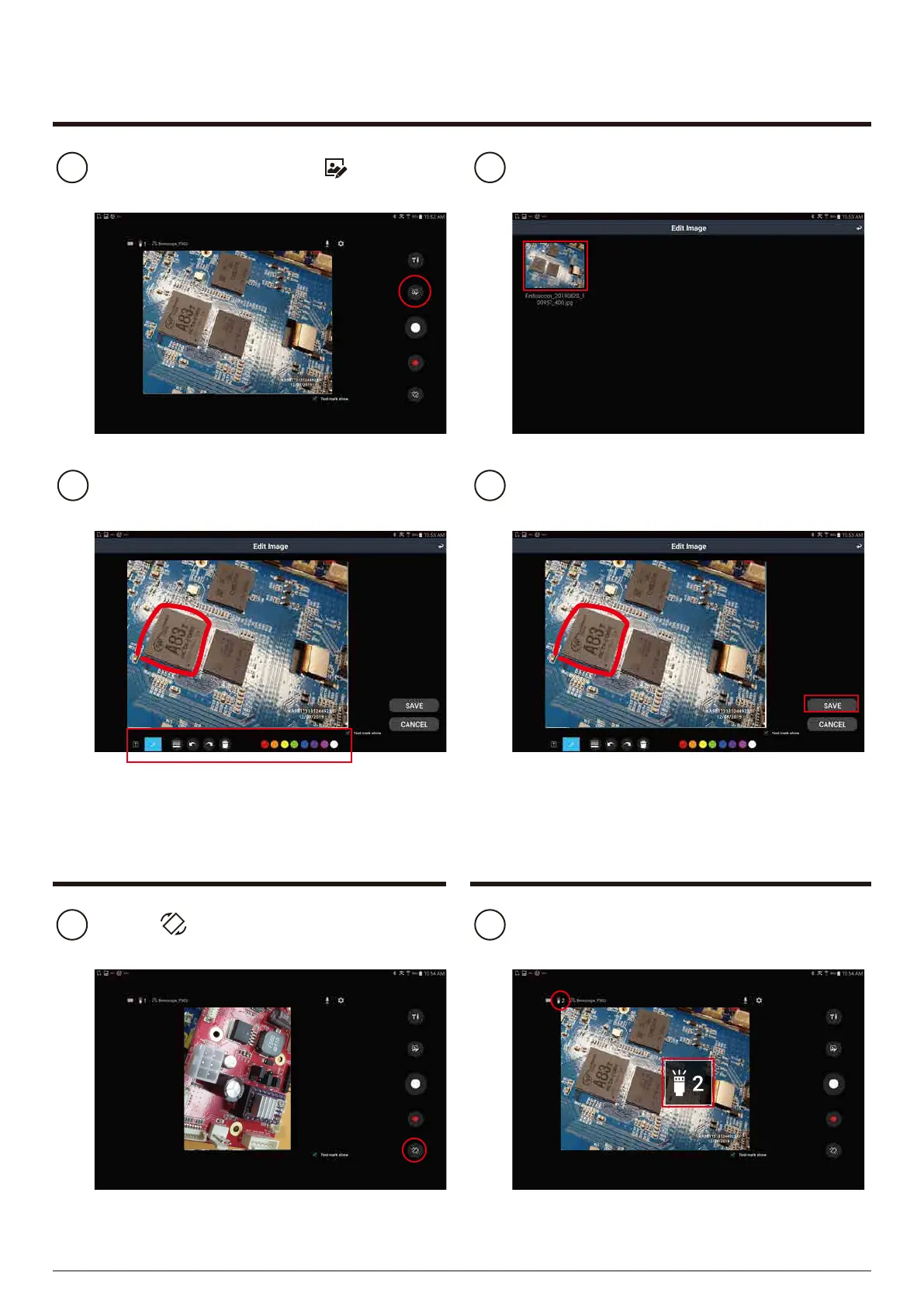
F2. Image editing
To edit the photo, select button
on the screen.
1
The recorded picture is displayed.
Select the picture you want to edit.
2
Edit the photo using the pen or text box.
3 Press the ‘SAVE’ button to save.4
When saving, you can save it with a different name.
It does not rotate during shooting.
Select button to rotate the preview
screen by 90 degrees.
1
F4. LED
brightness adjustment
Press the LED brightness button on
the device to adjust the brightness.
1
Brightness is 0 to 3 levels and is displayed on the screen.
0 is the LED is off.
F3. Screen rotation
KA981121312449231
12/08/2019
15


 To Next Page