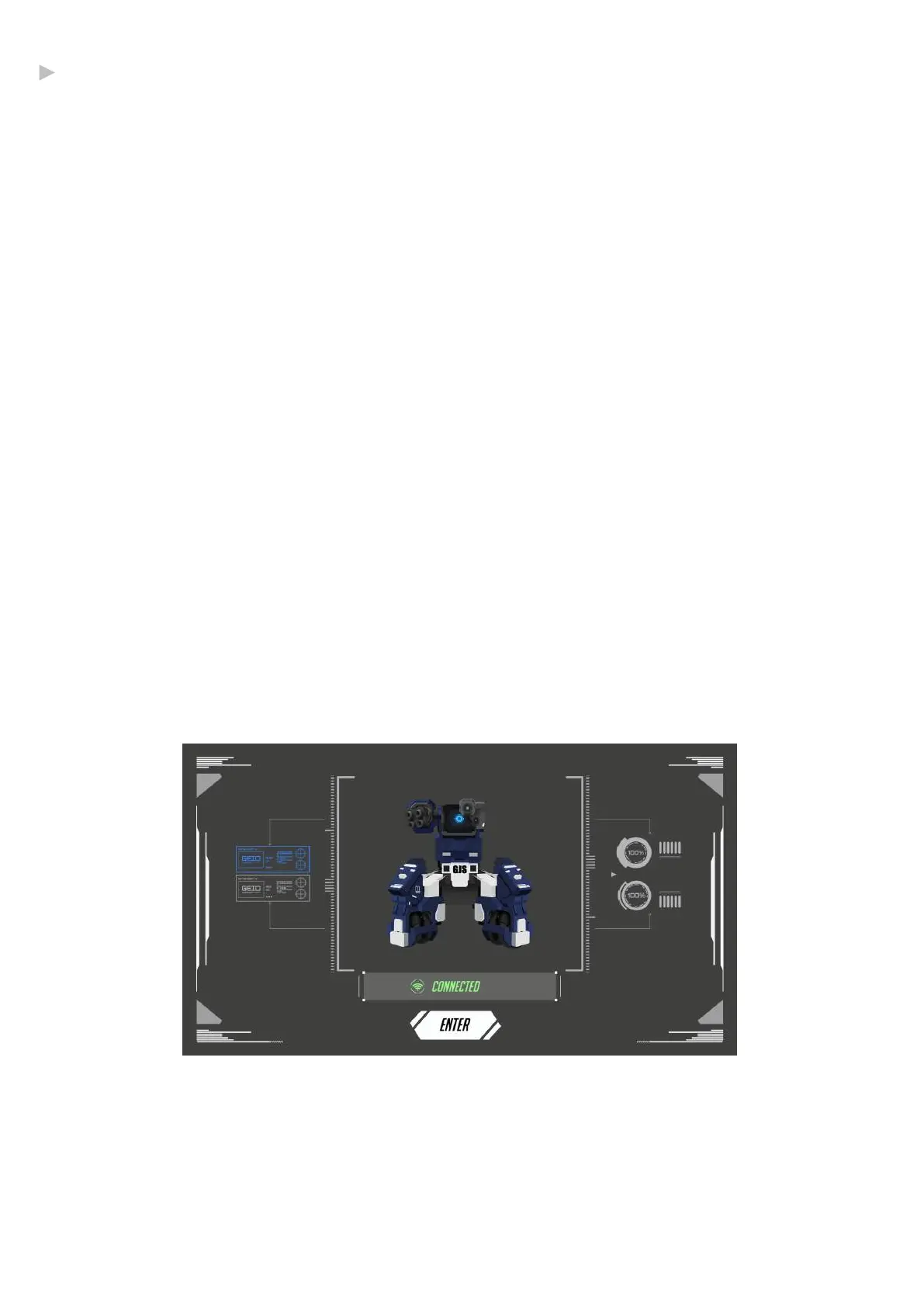
With GEIO turned on, connect to the GEIO_XXXXXX Wi-Fi with your mobile device.
The default password is: 12345678. Open the GEIO app after you have connected to the Wi-Fi.
Upon Starting Your Bot
·Connect to GEIO
Cute Pet Mode: GEIO will move automatically, recognize and follow human face*, and show
different expressions.
Turret Mode: GEIO will search enemy bots nearby automatically after it has been turned on
but not connected. If the other GEIO enters its range of attack, the Turret GEIO will start to
shoot the enemy bots. When there are multiple players, you can set one or several GEIO in
Turret Mode which will increase the difficulty and fun a lot.
Go to General Settings - General - Launch Mode in the GEIO app to change the launch mode.
·When not connected to a mobile device
Start the GEIO app after connecting to your GEIO, then select MODE and your team to enter
the Control Interface.
·Start the app
06
* For face recognition, you need to be facing your GEIO from around 20cm away.
@Shenzhen GJS Technology Co., Ltd.


 To Next Page