19
7.0 USING THE CONFIGURATION MENU
The configuration menu can be accessed using a web browser. Some advanced features such as CF
Unconditional, CF User Busy and CF No Answer must be setup from the web browser.
7.1 Accessing Configuration Menu
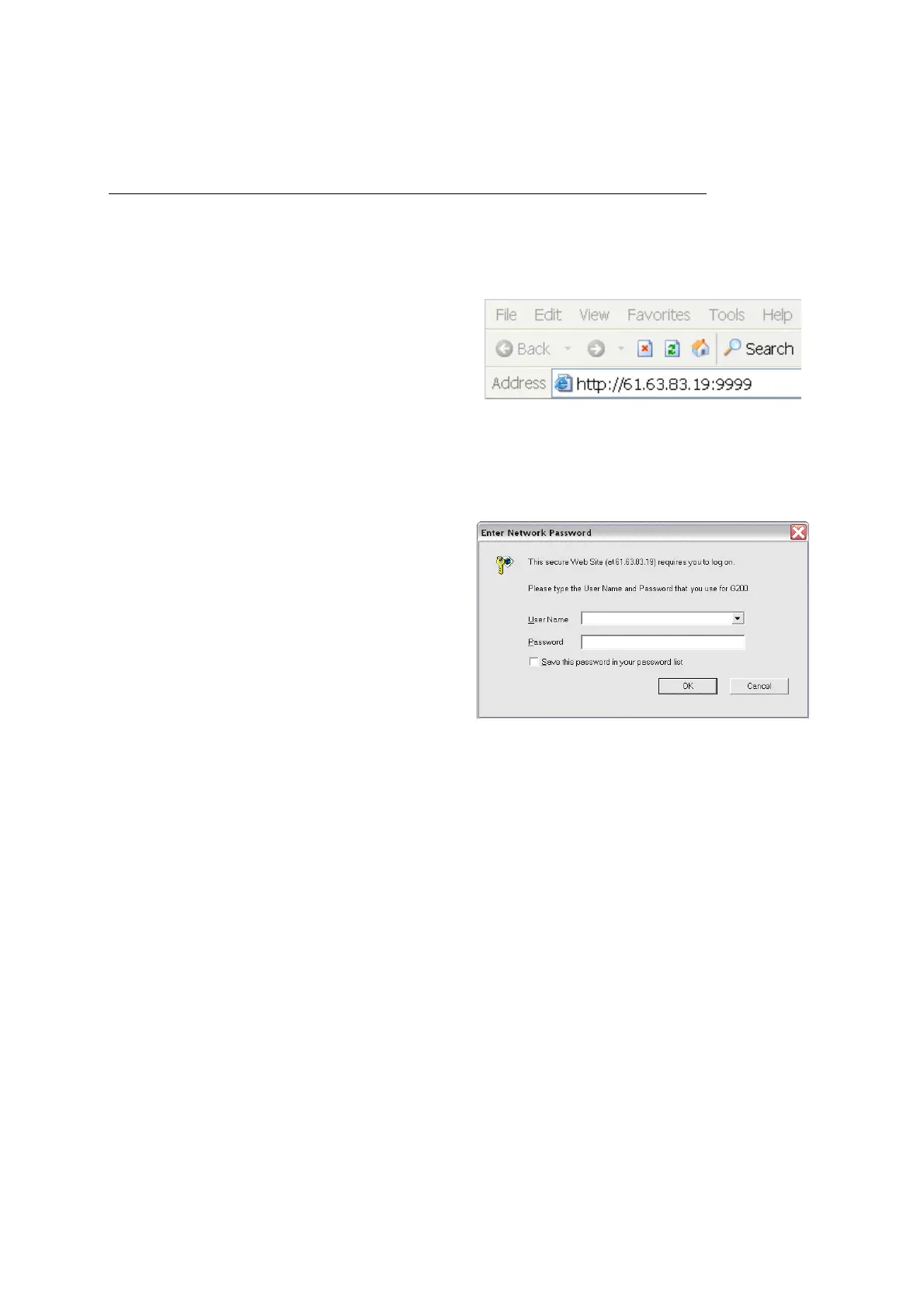
• Open the web browser (i.e. Internet
Explorer, Netscape…)
• Type in the IP Address of the phone
followed by :9999
IP address is provided by your Internet Service Provider (ISP). If your ISP supports DHCP, you may
obtain the IP address from you phone. Press MENU and scroll down to IP address.
There is no password set when phone is delivered. So you can access Web Configuration Menu without
entering a password until you will set a Password and User Name.
• Enter User Name and Password (leave
User Name and Password blank if you are
installing the phone for the first time)
• Click OK



 To Next Page