weBBoat 4G
13
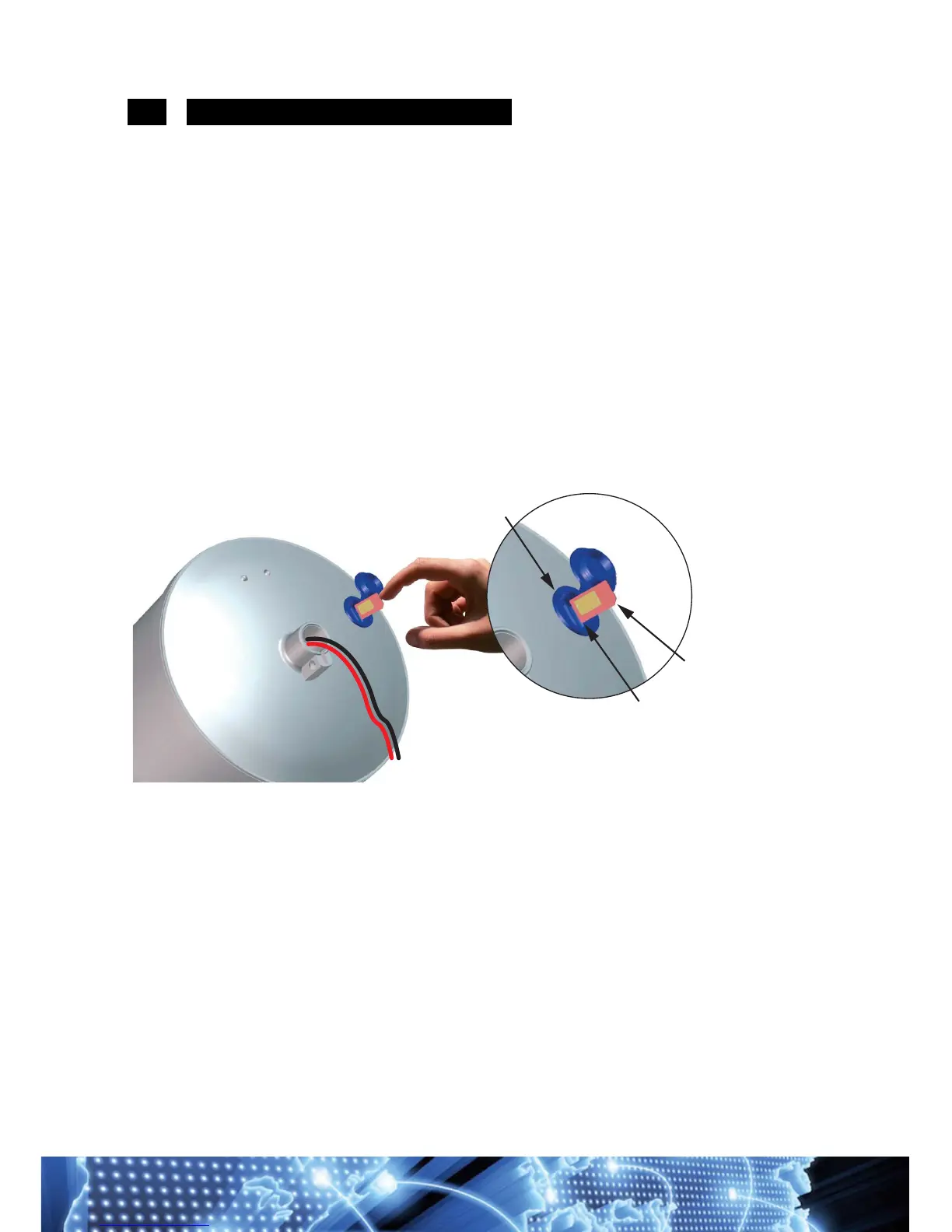
3.2 INSERTING THE SIM CARD
Insert the SIM CARD into the upper socket of the "EXTERNAL SLOT"
of the weBBoat, which is located at the bottom of the radome.
Insert the SIM card with the contacts facing down and the cut edge of
the SIM facing outward, as shown in Fig. 11.
NOTE Insert the SIM CARD with weBBoat off.
IMPORTANT: If the SIM card has a PIN, you must remove the PIN code
request before inserting the SIM card into weBBoat. This can be done via a
mobile phone and varies according to the individual mobile phones. Please
check the steps in the instructions of your mobile phone, or contact your
operator.



 To Next Page