10
CUSTOMIZATION SOFTWARE
QMK
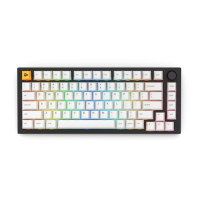
The GMMK PRO is compatible with QMK Firmware. Detailed instructions will
be shared soon.
6. Click the “SETUP_” application to begin the installation process.
a. (Optional) Read through the READ_ME
7. Choose to run the installer or extract the contents to another location if need be.
a. Allow the application to make changes to your system if need be.
b. Read through and accept the agreement by clicking Next.
c. Choose the destination location for this application.
d. Allow it to create shortcuts in the Start Menu.
e. Finally, begin installation.
f. Click Finish once the installation is complete.
8. Allow a new version to be installed if requested.


 To Next Page